Index
With Hydra, you can create your own index.
On the Common tab select Securities so that the All Securities tab appears.
Before creating the Index, check which market data is available. Select the path where the data is stored and sequentially view the instruments that should participate in the calculation of the index. If there are gaps, download the necessary market data from a supported data source.
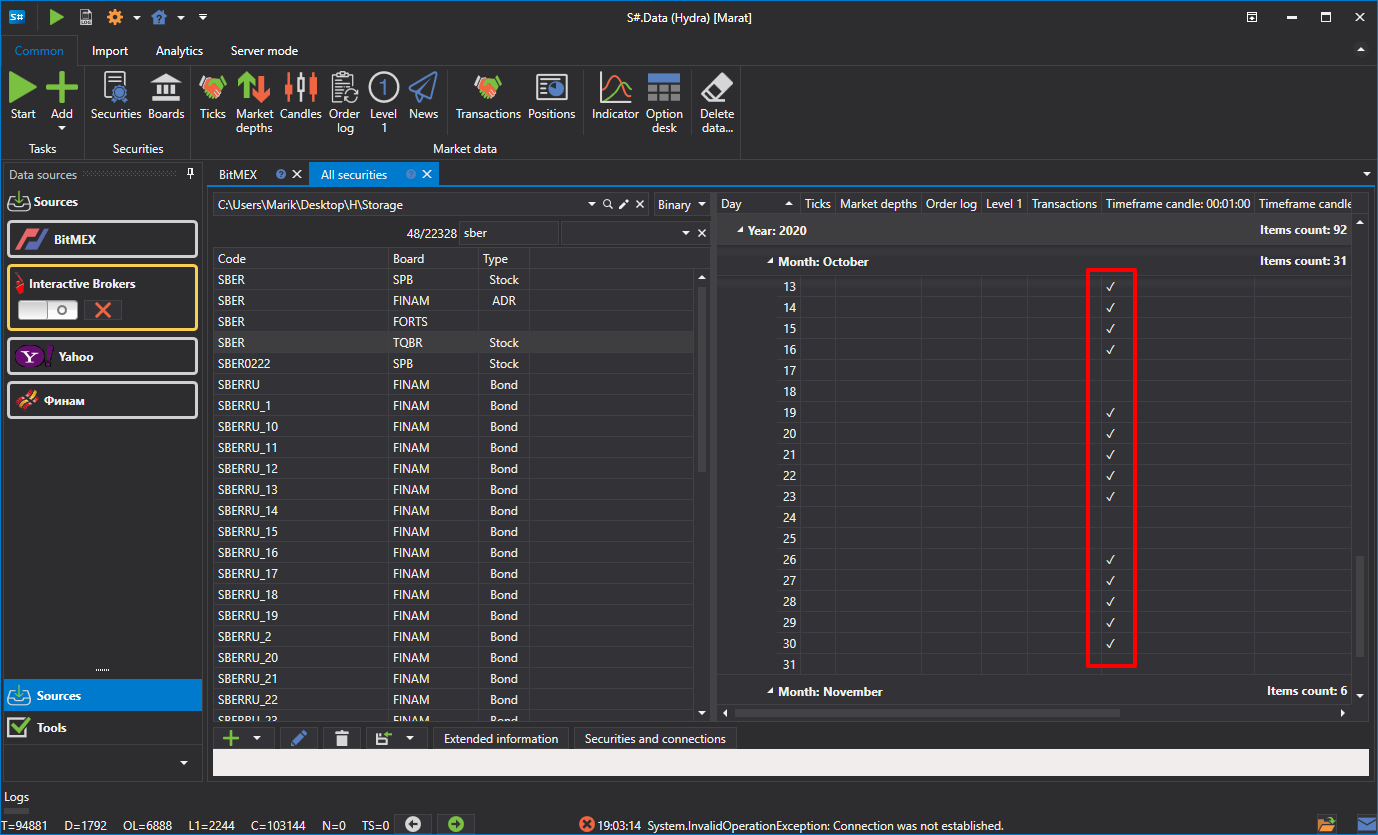
As an example, consider the instrument ratio index AAPL@NYSE/GOOG@NYSE.
- The first step is to create the Index. On the All Securities tab, click Create security => Index
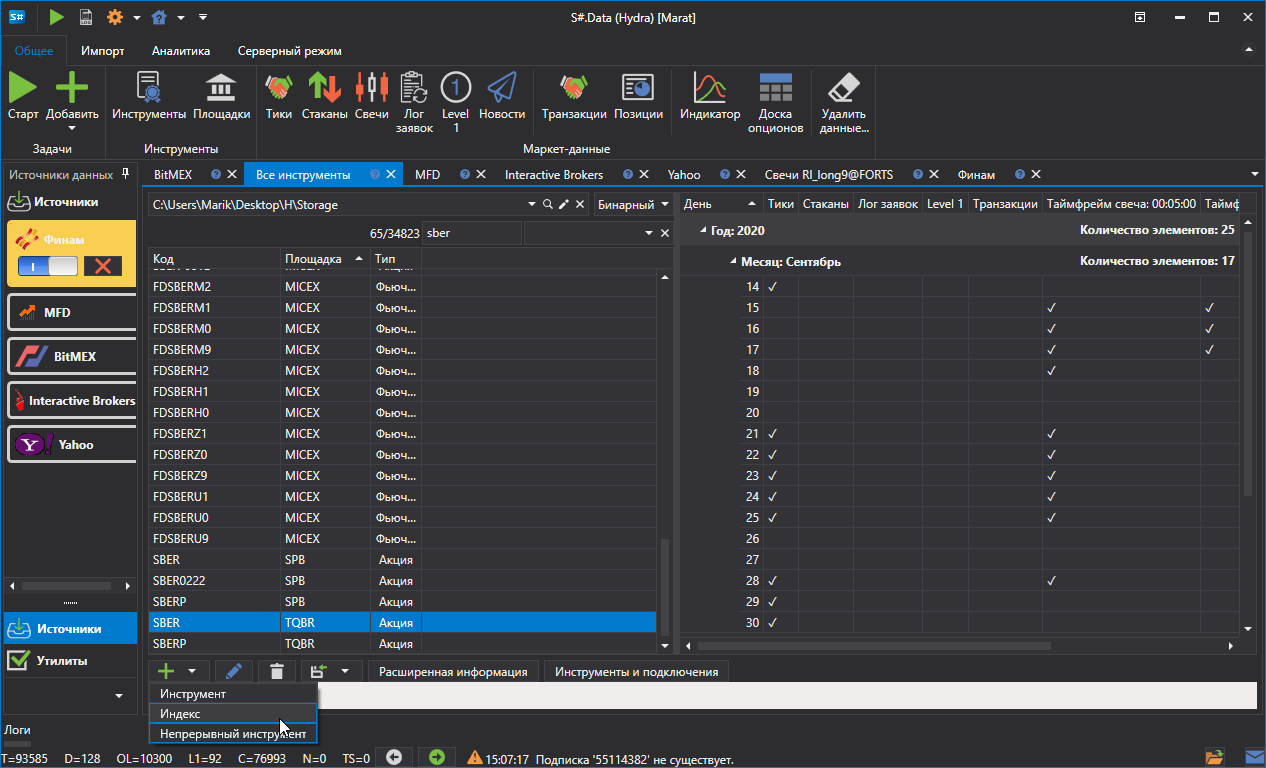 .
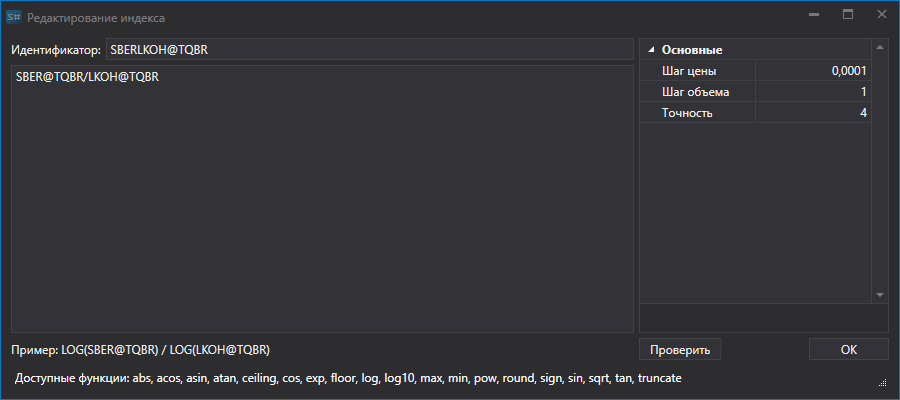
. - The following window appears:
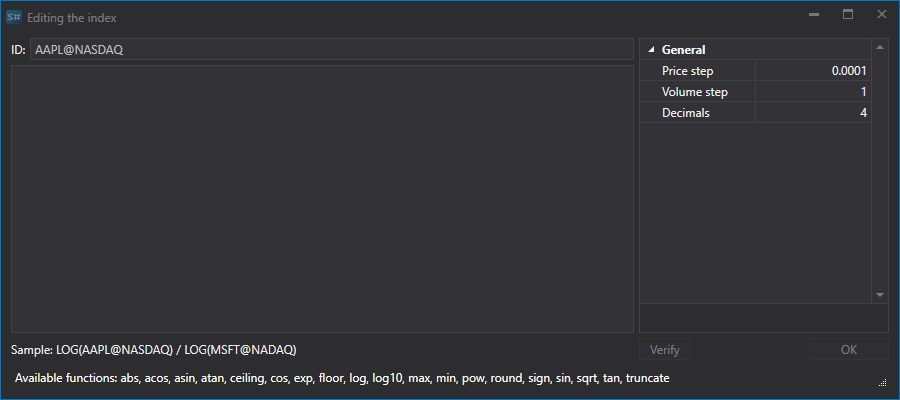
- To create the Index instrument, specify a name and add the mathematical formula for a combination of several instruments. Together with the standard mathematical operators, you can use the following functions:
- abs(a) - Returns the absolute value of a number.
- acos(a) - Returns the angle whose cosine is equal to the specified number.
- asin(a) - Returns the angle whose sine is equal to the specified number.
- atan(a) - Returns the angle whose tangent is equal to the specified number.
- ceiling(a) - Returns the smallest integer that is greater than or equal to the specified number.
- cos(a) - Returns the cosine of the specified angle.
- exp(a) - Returns the value of e raised to the specified power.
- floor(a) - Returns the largest integer that is less than or equal to the specified number.
- log(a) - Returns the natural logarithm (base e) of the specified number.
- log10(a) - Returns the base-10 logarithm of the specified number.
- max (a, b) - Returns the larger of two decimal numbers.
- min(a, b) - Returns the smaller of two decimal numbers.
- pow(a, b) - Returns the specified number raised to the specified power.
- sign(a) - Returns an integer indicating the sign of the specified number.
- sin(a) - Returns the sine of the specified angle.
- sqrt (a) - Returns the square root of the specified number.
- tan(a) - Returns the tangent of the specified angle.
- truncate(a) - Calculates the integer part of the specified number.
- Enter the mathematical operation that will be used to calculate the index.
- Next, click Candles on the Common tab, select the created Index instrument and data period, set Composite Element in the Create From: field, and then click
 .
. 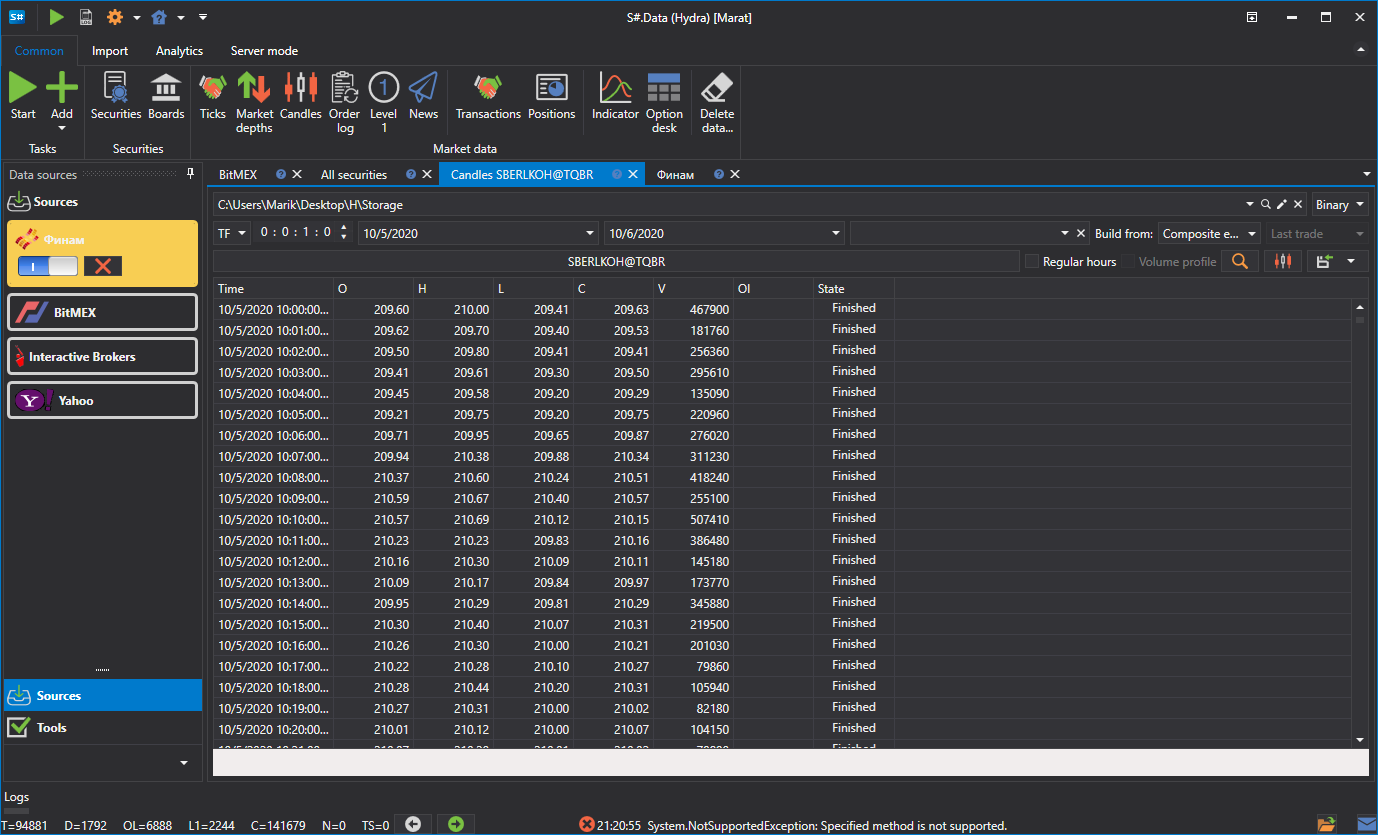
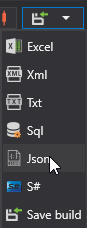
The generated data can be exported to Excel, XML or TXT formats. Export is done using the drop-down list.