Continuous futures
The Hydra program allows the user to combine different types of market data from various contracts into a single continuous instrument.
To do this, on the Common tab select Securities so that the All securities tab appears. Before combining the data, check which market data is available. Select the path where the data is located and review the instruments that you plan to combine. If there are gaps, download the missing market data (for example, from a supported data source).
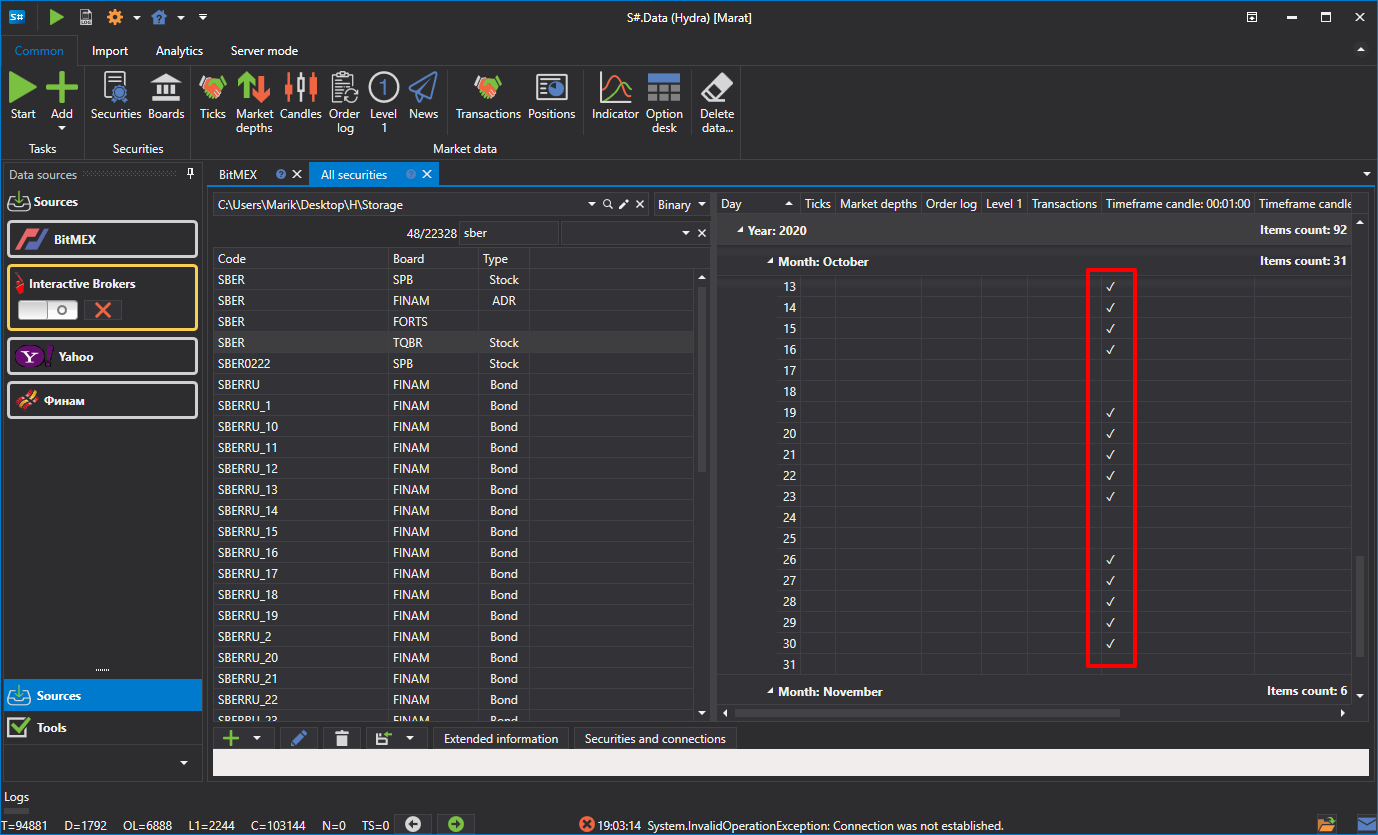
As an example, consider combining E-mini S&P 500 futures.
To create a continuous futures contract, click the Create security => Continuous security button on the All securities tab.
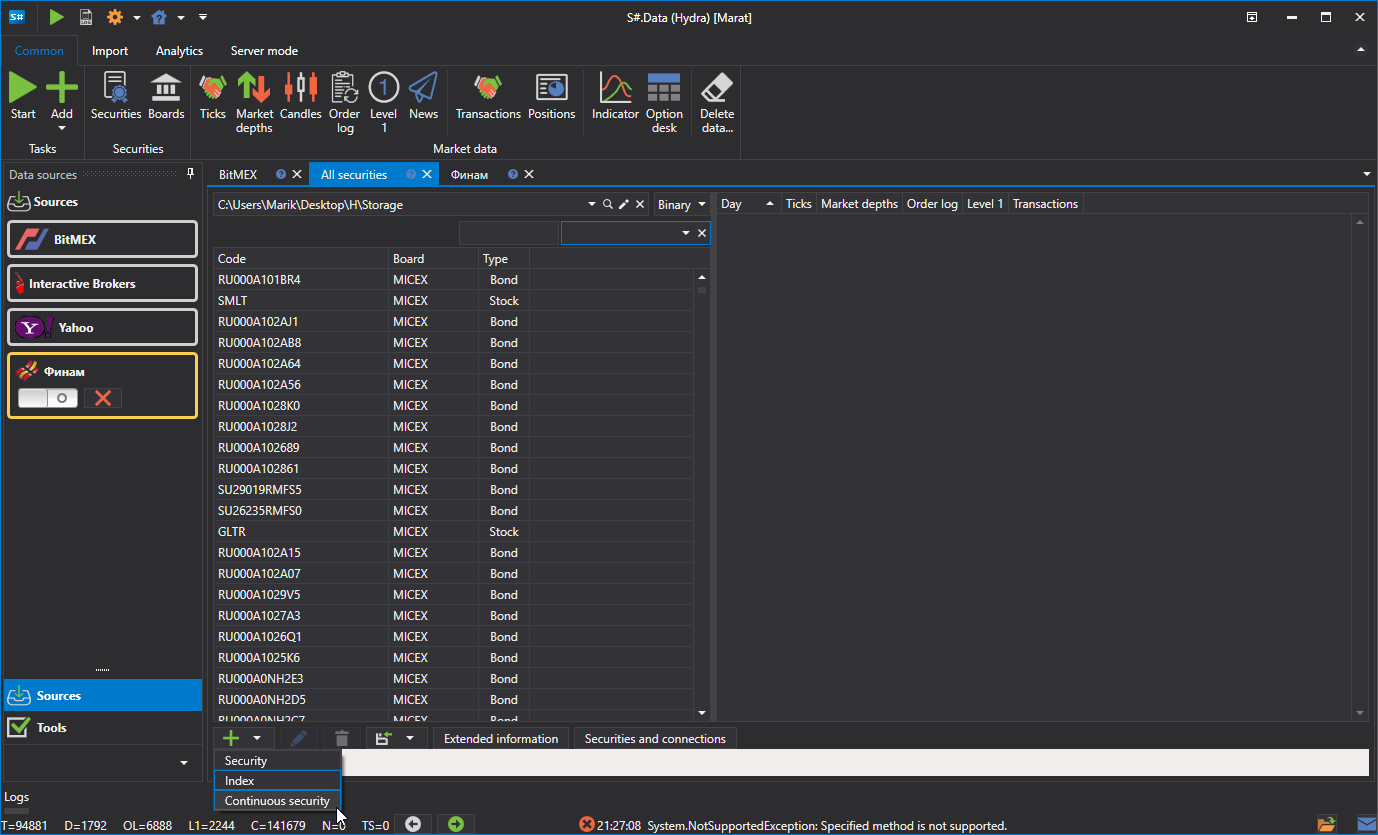
After that, the following window will appear:
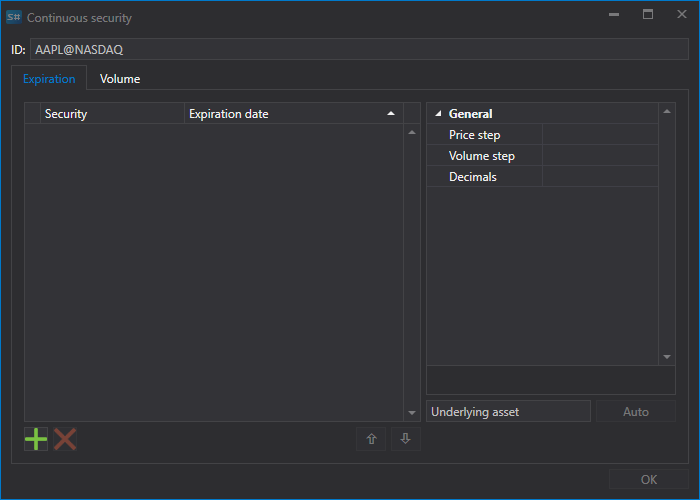
To create a continuous future, you need to specify a name and add contracts.
There are two ways to add contracts.
- Manually by clicking the
 button.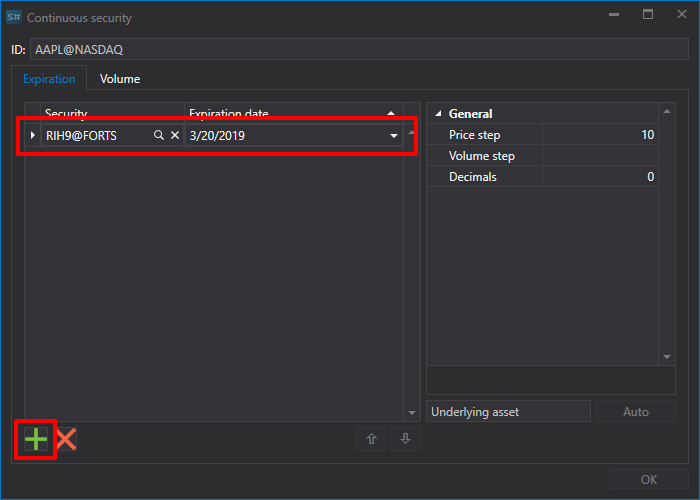
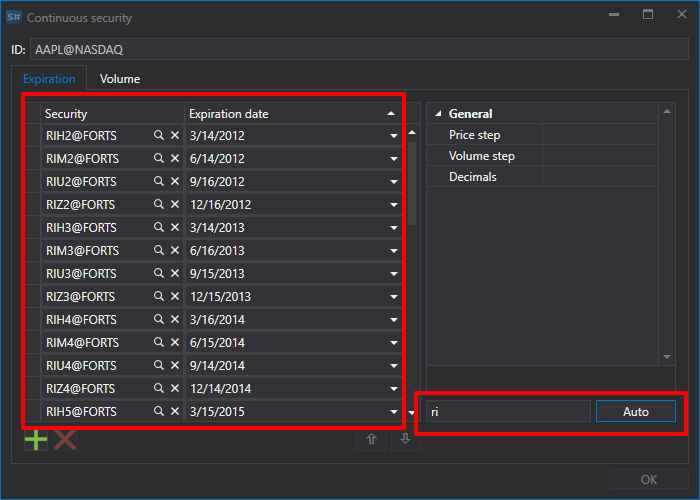
- If you set the first two letters of the contract as a name, for example, RI, and click the Auto button, then all the instruments found in the database will be added.
- Manually by clicking the
Select the required contracts and set their transition dates.
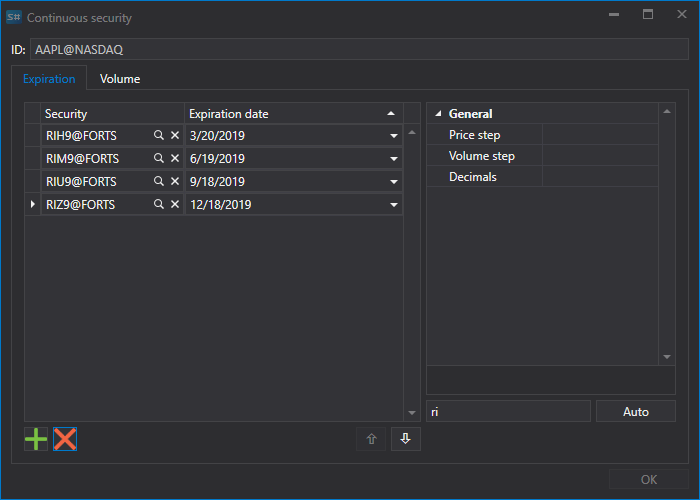
Next, assign the instrument identifier ES_continuous@CME and click the OK button, after which a new instrument will be created.
Next, click the Candles button on the Common tab, select the resulting instrument and data period, set the Composite element value in the Build from field, and then click the
 button.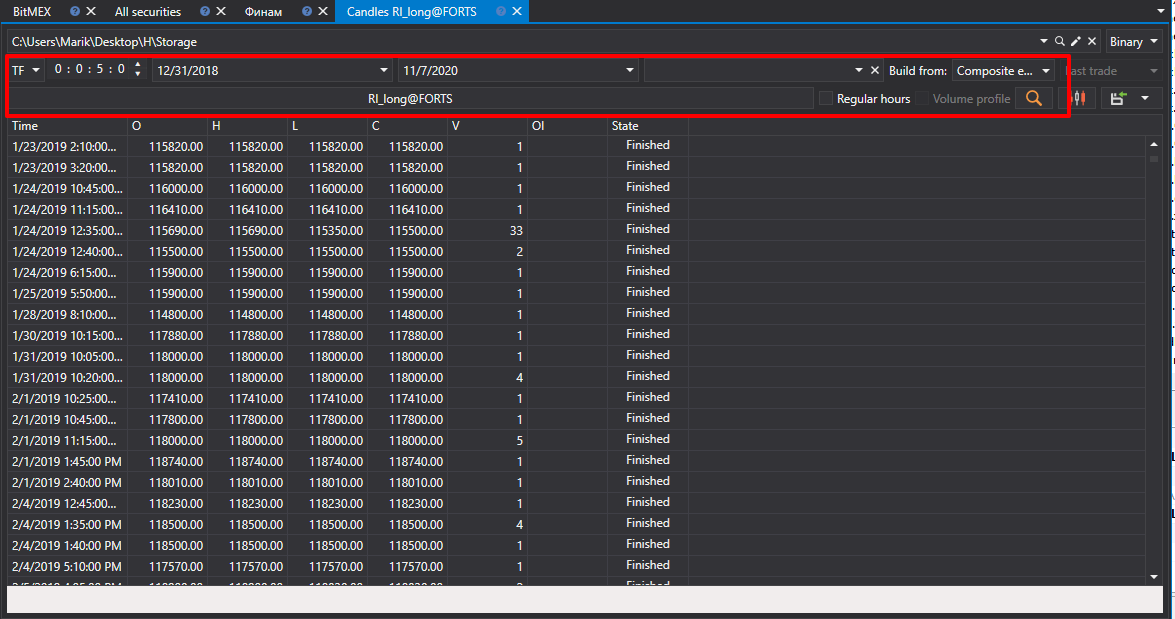
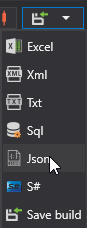
The generated data can be exported to Excel, XML, JSON or TXT formats. Export is performed using the drop-down list.