
Reset settings
Caution
Before resetting settings, read this section carefully.
The Quick access panel is located at the top of the program window by default and contains the settings button  . When you click , you can change the startup mode, change the interface language, or reset all settings.
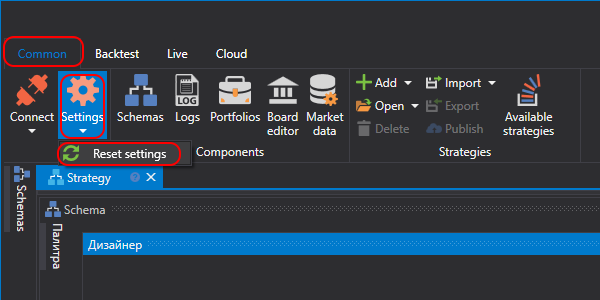
When you select Reset settings, a confirmation window opens.
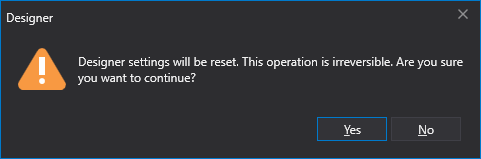
After you click OK, all settings are reset to their default values. The program settings directory is cleared completely. All created strategies, downloaded instruments, and other information stored in the settings directory will be deleted.