
Hydra Server
Hydra Server is a service that broadcasts data over the network so external programs, such as Designer, can connect to it.
Unlike server mode, Hydra Server is a separate cross-platform program made as a console application and can be run on Windows or Linux servers.
Tip
On Windows, Hydra Server can be registered as a Windows Service and launched automatically at system startup. For more information, see Windows service.
Hydra Server uses the same settings as Hydra. For initial setup, run Hydra first and then use the settings created by Hydra Server.
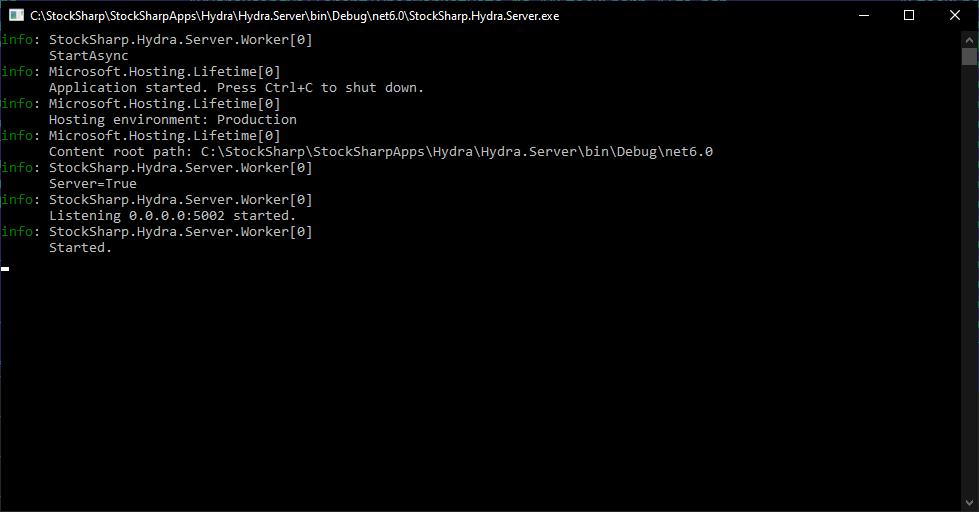
The program has a configuration file appsettings.json:
{
	"Logging": {
		"LogLevel": {
			"Default": "Information",
			"Microsoft.Hosting.Lifetime": "Information"
		}
	},
	"Server": {
		"WebApiAddress": "api.stocksharp.com/v1/",
		"LogLevel": "Inherit",
		"AutoDownload": false,
		"CompanyPath": "",
		"AppDataPath": ""
	}
}
- WebApiAddress - the address of StockSharp WebAPI. Used for management via Telegram.
- LogLevel - the logging level.
- AutoDownload - whether to enable automatic downloading of sources at startup.
- CompanyPath - if using the program as a Windows Service, you need to set the path like "C:\Users\%user_name%\Documents\StockSharp".
- AppDataPath - in case of moving the settings directory of Hydra, a new path to the settings must be specified.