
Extended instrument info
Sources of extended information are CSV files located in the c:\\Users\\Users\\Documents\\StockSharp\\Hydra\\Extended info\\ folder. They are automatically loaded when Hydra starts.
Extended information can include any additional details about an instrument (for example, country, city, board, etc.).
Each source of extended information (CSV file) contains a list of instruments and the available properties. For each source, the extended information is unique.
If the source does not contain extended information for an instrument, the corresponding columns in the instruments list will be empty.
To select the required extended information, you need:
- On the Securities panel, click the Extended information button
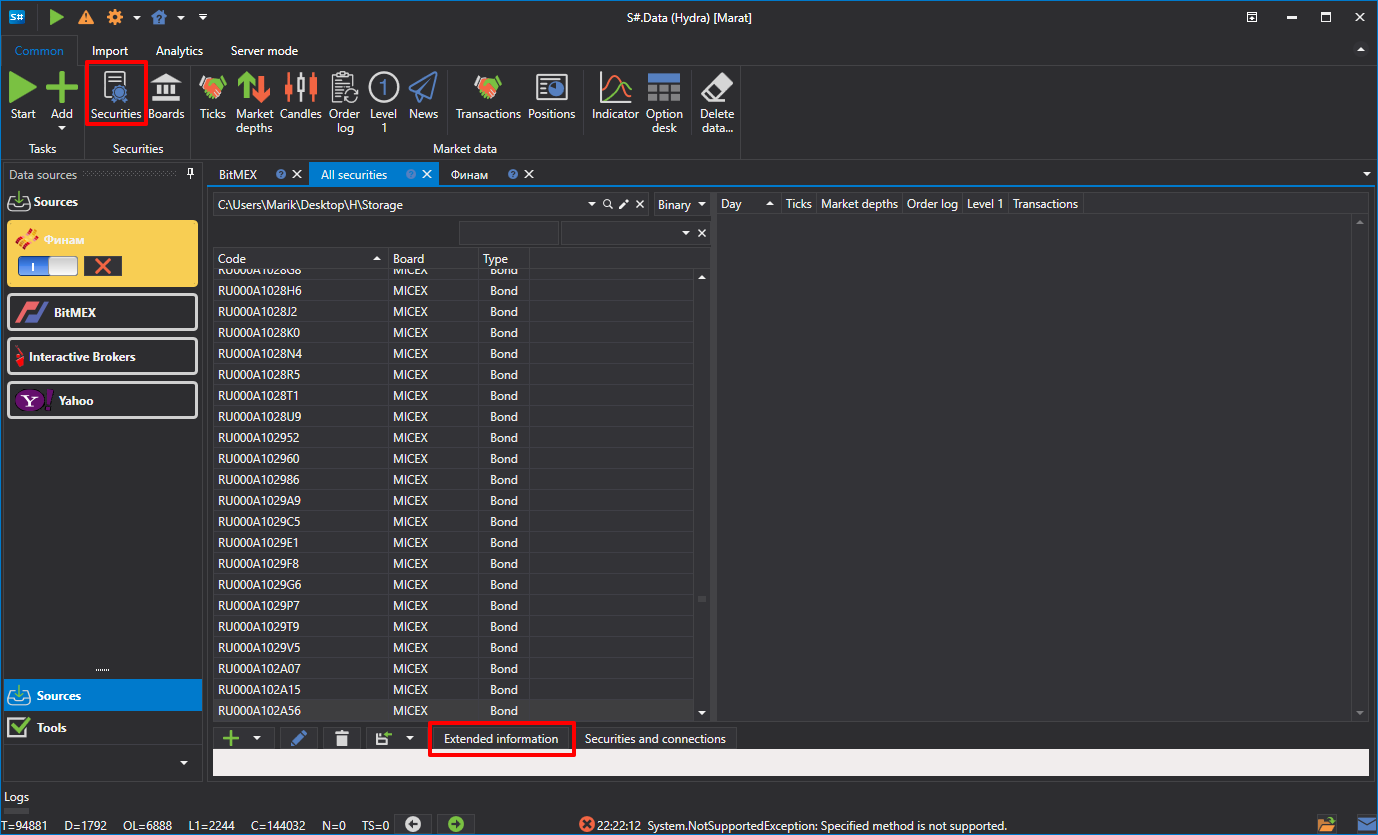
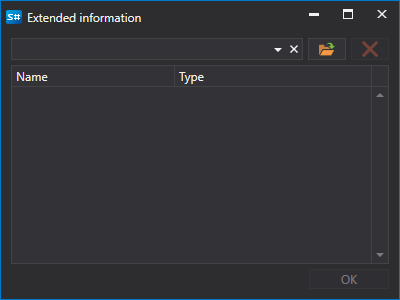
- A window will appear in which you need to select the path to the required CSV file
Below is an example of a CSV file of extended information. The values are separated by semicolons: the first line contains the property names, the second one their types, and each following line an instrument identifier and the values of its properties:
SecurityId;Country;City;Site
string;string;string;string
SBER@TQBR;Russia;Moscow;www.sberbank.ru
GAZP@TQBR;Russia;Saint Petersburg;www.gazprom.ru