
Tasks
The tool is a repeating action at a specific time.
The tools are collected in the Tools group on the Tasks panel on the left (see User interface). Work with tools is the same as with sources - the tool can be added, deleted, edited, enabled/disabled. To add the Tool, select the Tools item in the File menu. A corresponding window will appear in which you can select the required Tool.
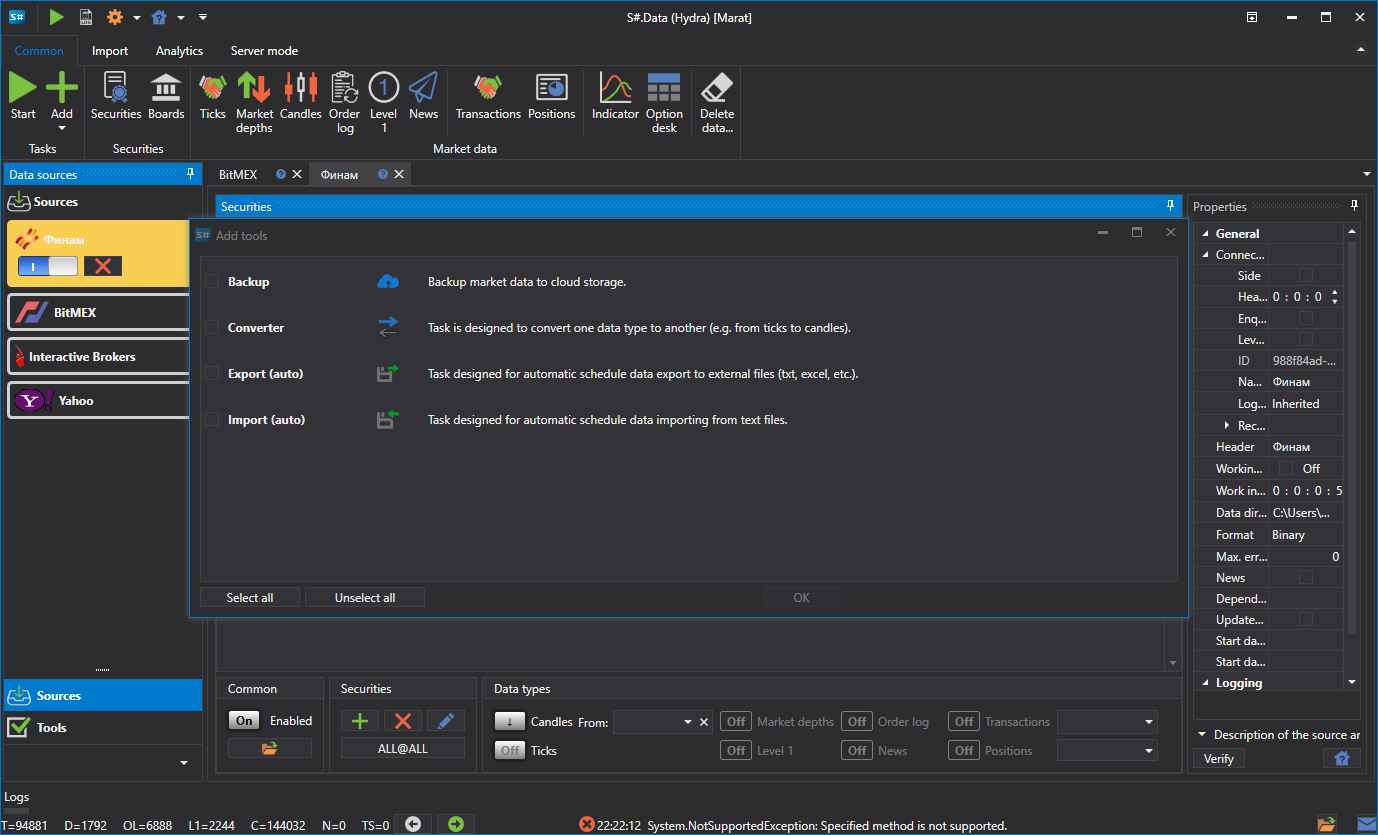
Currently, there are four classes of tasks in Hydra
- Import (auto) - the task is to import data from CSV format.
- Converter - the task is to convert the exchange data to the ticks, candles or order books.
- Export (auto) - the task is to export candles to different formats.
- Backup - the task is to backup data to the cloud service.