
Order books
In the window that appears, select the securities, the required time interval and click the  button:
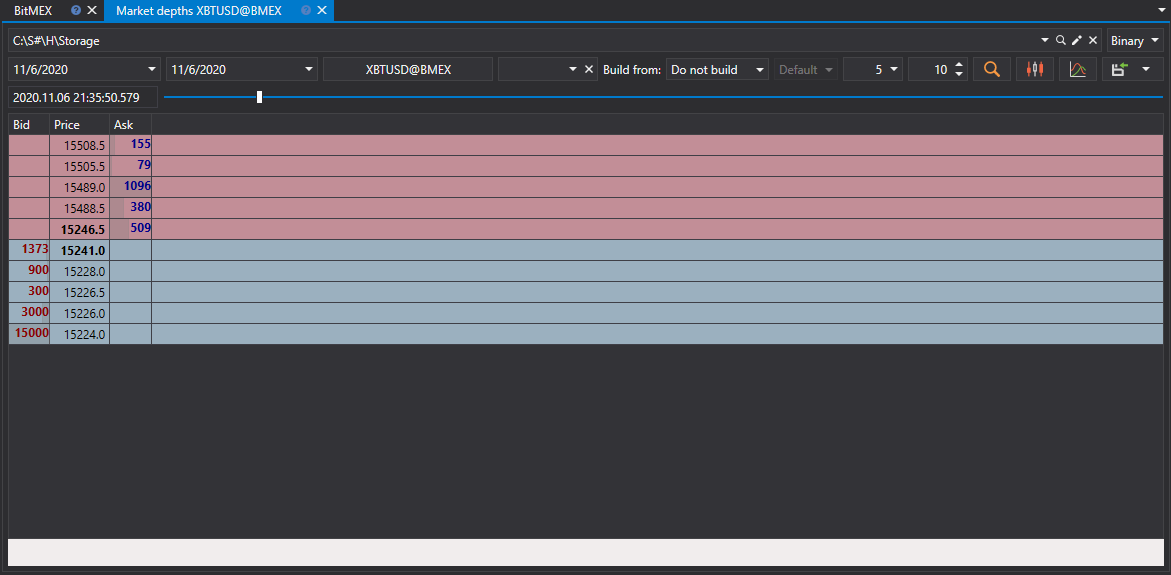
The slider selects which of the loaded order books is shown. When it reaches the last loaded order book, the next ones are loaded.
Tip
Order books can be created from Order Log and Level 1 files. In addition, you can adjust the depth and update period of the order book.
The received values can be exported to the required format.