
Chart
The Chart panel shows the candles of any instrument that is in the storage. It is opened with the Market Data → Chart item or with the Chart button on the command bar.
In the row above the chart, you select the Security and the period — the start date and the end date — and then click Find. The candles are read from the storage and drawn as they are read; Stop interrupts the reading, and the line next to the buttons shows how the work is going.
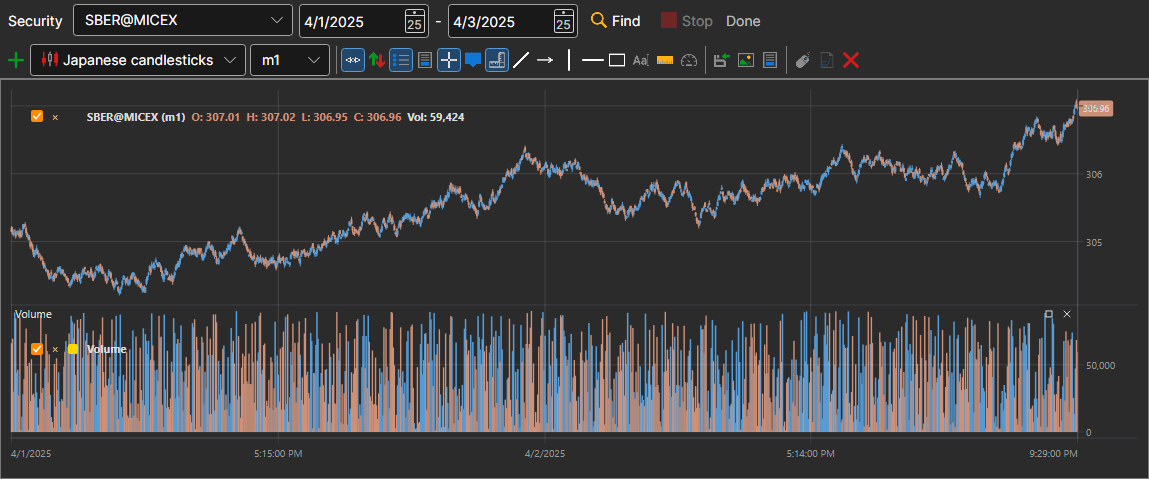
Below is a full-featured chart, the same as in Terminal: with a button bar, candle styles, indicators and drawing. You can add an indicator to the chart, and the Stop drawing button stops a long drawing of a large period.