
RemoteManager
在 RemoteManager 选项卡中,可以启用远程控制模式。要启用此模式,首先打开用户配置菜单。
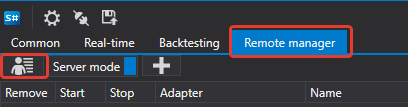
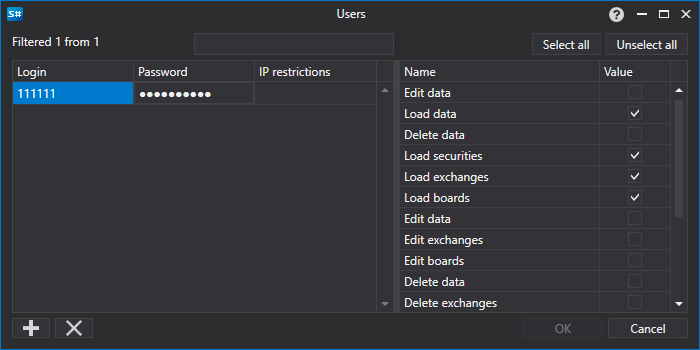
在打开的窗口中设置 用户名 和 密码。
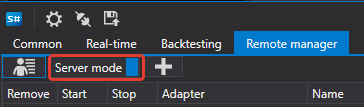
然后启用服务器模式。
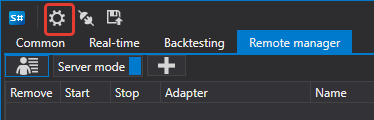
现在可以从另一个 Shell 连接到当前 Shell。
为此,请启动另一个 Shell,然后打开其中的连接设置。
在打开的窗口中配置 FIX 连接。
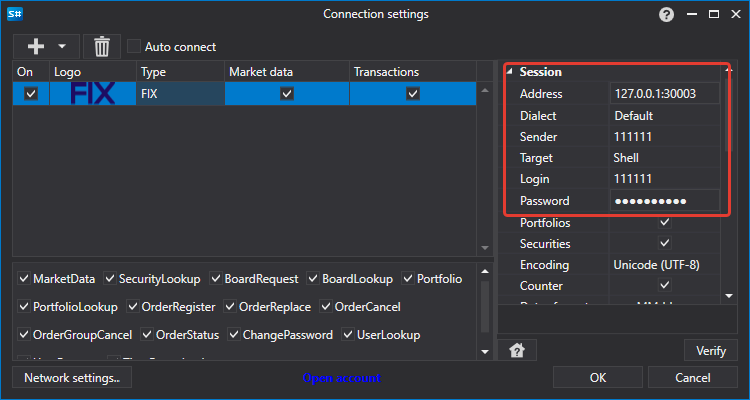
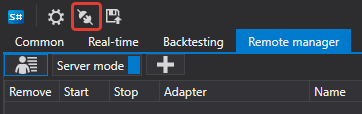
然后单击连接按钮。
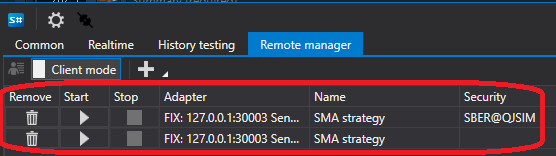
连接成功后,Shell 服务器中的所有现有策略都会出现在 Shell 客户端中。
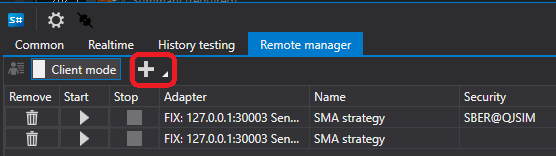
单击添加按钮,可以添加另一个用于交易的策略。
由于 Shell 客户端支持连接多个服务器,添加策略时必须先在左侧选择服务器。该服务器上的所有可用策略会显示在右侧。
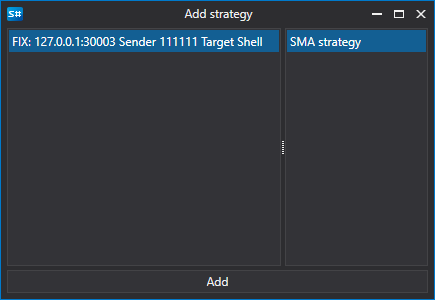
添加策略后,它会出现在策略列表中。
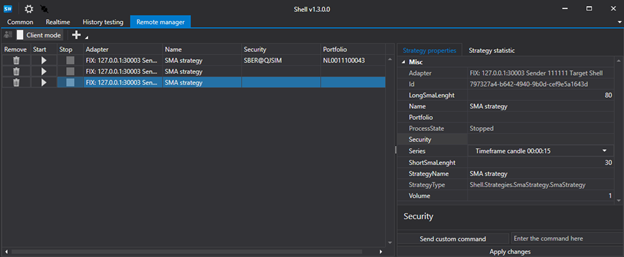
选择策略后,右侧会显示策略设置和统计数据等选项卡。
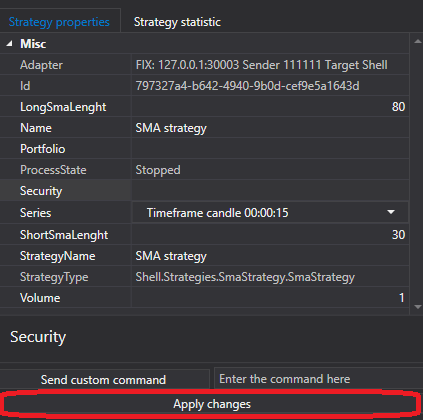
修改策略设置后,务必单击应用更改按钮,否则更改不会应用到策略。
如果策略除了 Start/Stop 之外还支持其他命令,则需要在下一个字段中指定该命令。
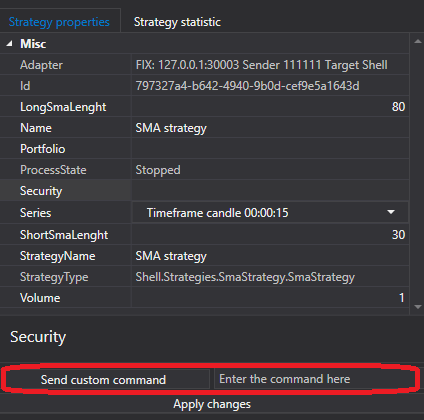
然后单击发送命令按钮。
要在策略中实现自定义命令,需要重写 Strategy.ApplyCommand(StockSharp.Messages.CommandMessage cmdMsg ) 方法。
public virtual void ApplyCommand(CommandMessage cmdMsg)
Strategy 基类只负责控制策略的启动和停止。