本页面尚未提供您的语言版本,显示其他语言版本。

Quick start

Shell - is focused on programming in C# language in Visual Studio environment or similar.

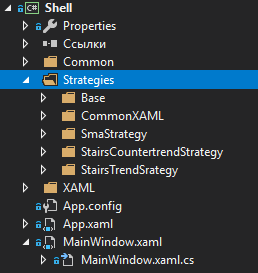
When you start the Shell project, the Solution Explorer displays the Shell project:

Shell Quick start 00

The Strategies folder contains three strategies included in Shell, a shell for default strategies, as well as some auxiliary interfaces.

The project can be launched without any preliminary preparation to see how it operates on the strategies already included in Shell.

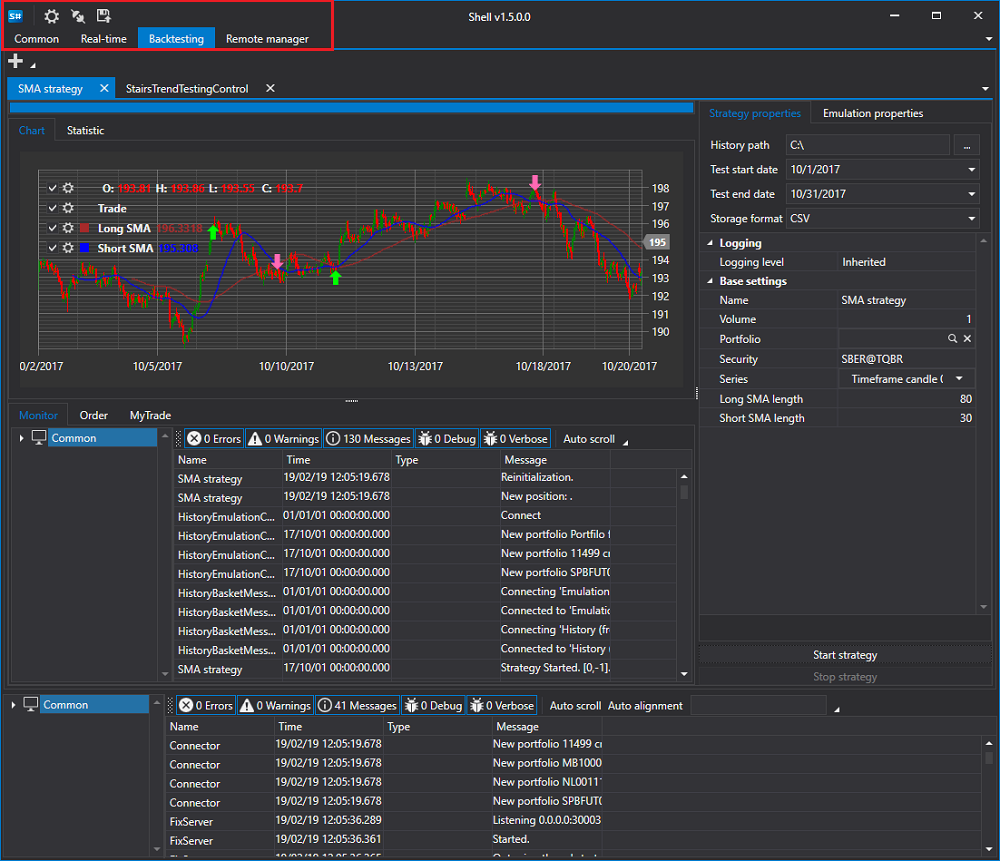
After launch, we will see a window like this:

Shell Quick start 01

The connection settings and connection buttons, as well as the save button for the current Shell configuration, are located at the top of the screen. The main tabs are also located there.

Go to the connection settings and select the necessary connection. How to set up a connection is described in Connections settings.

The next step is to connect by clicking the Connect button Designer The quick access toolbar 00.

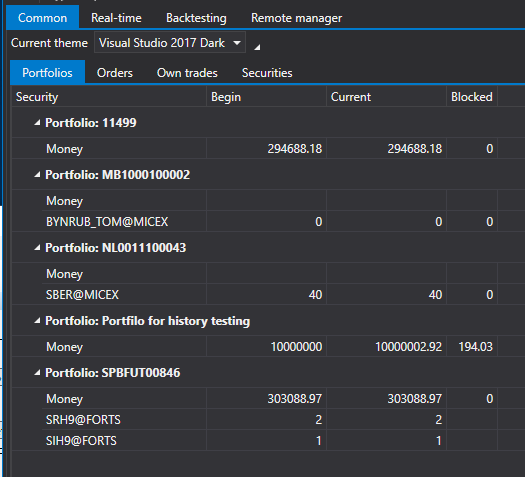
After connecting, on the Common tab, you can see the portfolios, securities, orders, and own trades received from the connection.

Shell Quick start 02

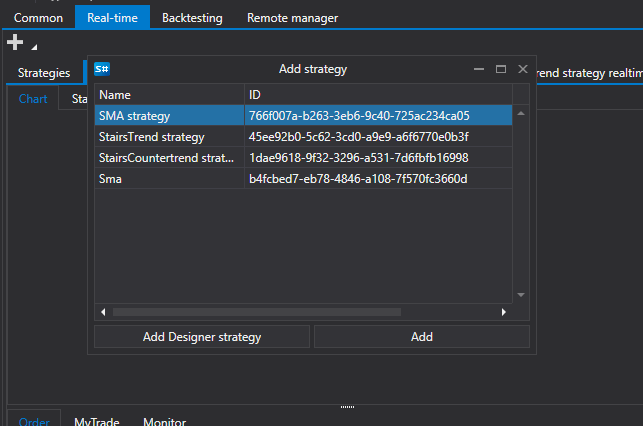
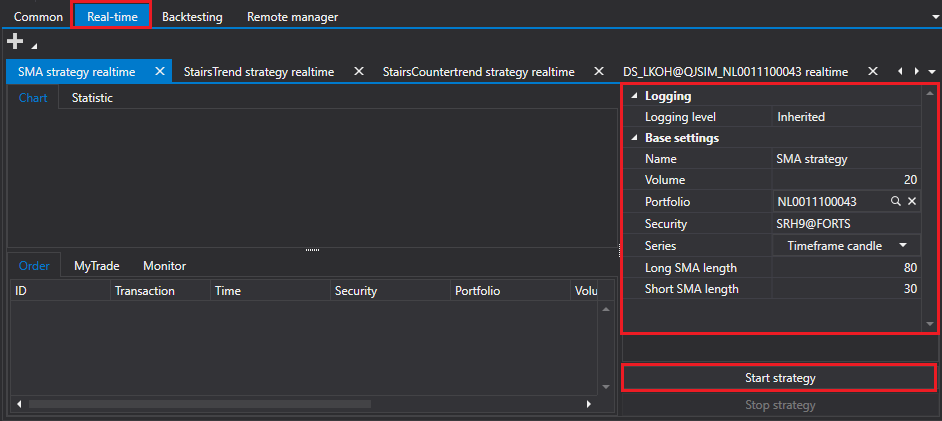
Go to the Real-time tab and click the Add Designer Creation tool 00 button to add a strategy for trading.

Shell Quick start 03

Once the strategy is added, fill in its basic parameters such as Security, Portfolio, etc. Click the Start strategy button to launch it.

Shell Quick start 04

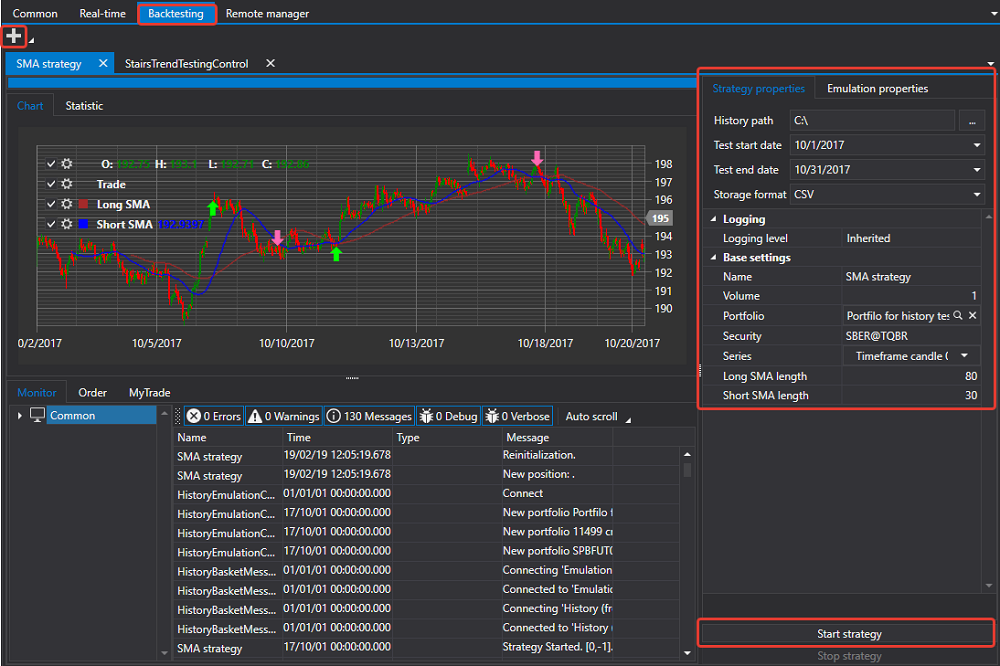
Similar to the Real-time tab, you can run a strategy test on historical data on the Emulation tab.

Shell Quick start 05