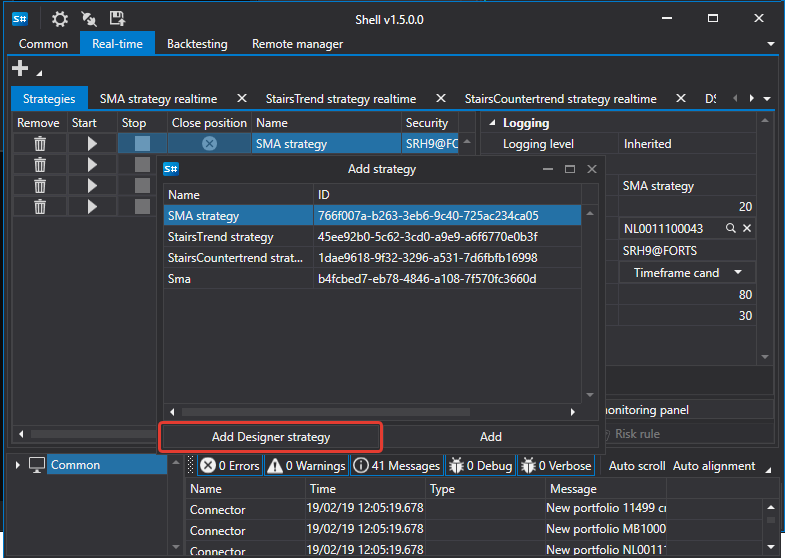
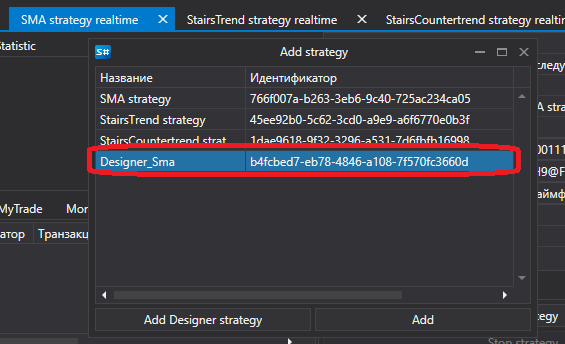
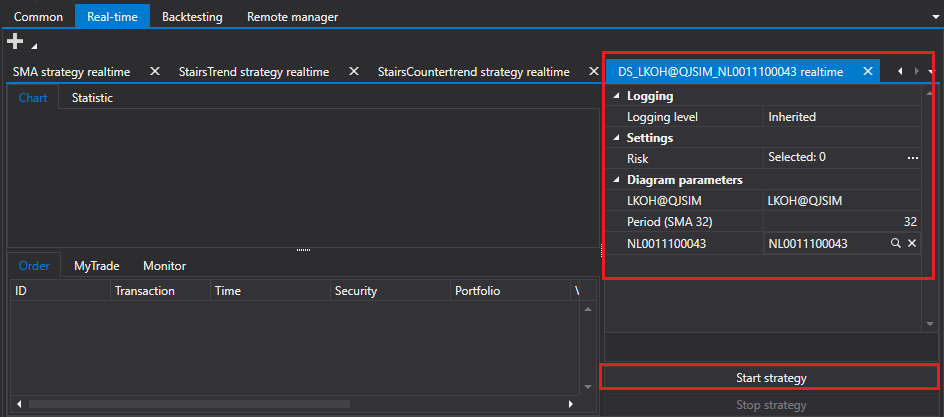
首页 / 教程 / Shell / 从 Designer 运行策略 运行 Designer 策略 Shell 可以运行在 Designer 中创建的策略。 要启动在 Designer 中创建的策略,请在实盘选项卡中选择策略,并单击 添加 Designer 策略 按钮。在打开的窗口中,选择从 Designer 导出的策略文件。 随后,该策略会出现在可用策略列表中。 选择已添加的策略后,可以设置所需参数并启动实盘交易。 推荐内容 创建策略 ← 上一页 创建策略面板 下一页 → 商店