本页面尚未提供您的语言版本,显示其他语言版本。
Update apps
Installer keeps track of all software updates and updates itself automatically. Therefore, there is no need to uninstall it after installation.
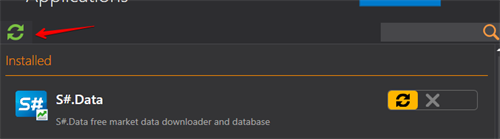
To check for available updates manually, you should click on the Updates button in the right corner of the program window.

If updates are available for the program, Installer will notify you accordingly.
Then you need to click the button.

Installer is not closed by clicking on the "X" in the program window, but is closed using the toolbar.
To do this, go to the menu by right-clicking and click Close.
Watch video tutorial.