本页面尚未提供您的语言版本,显示其他语言版本。

Portfolio optimization

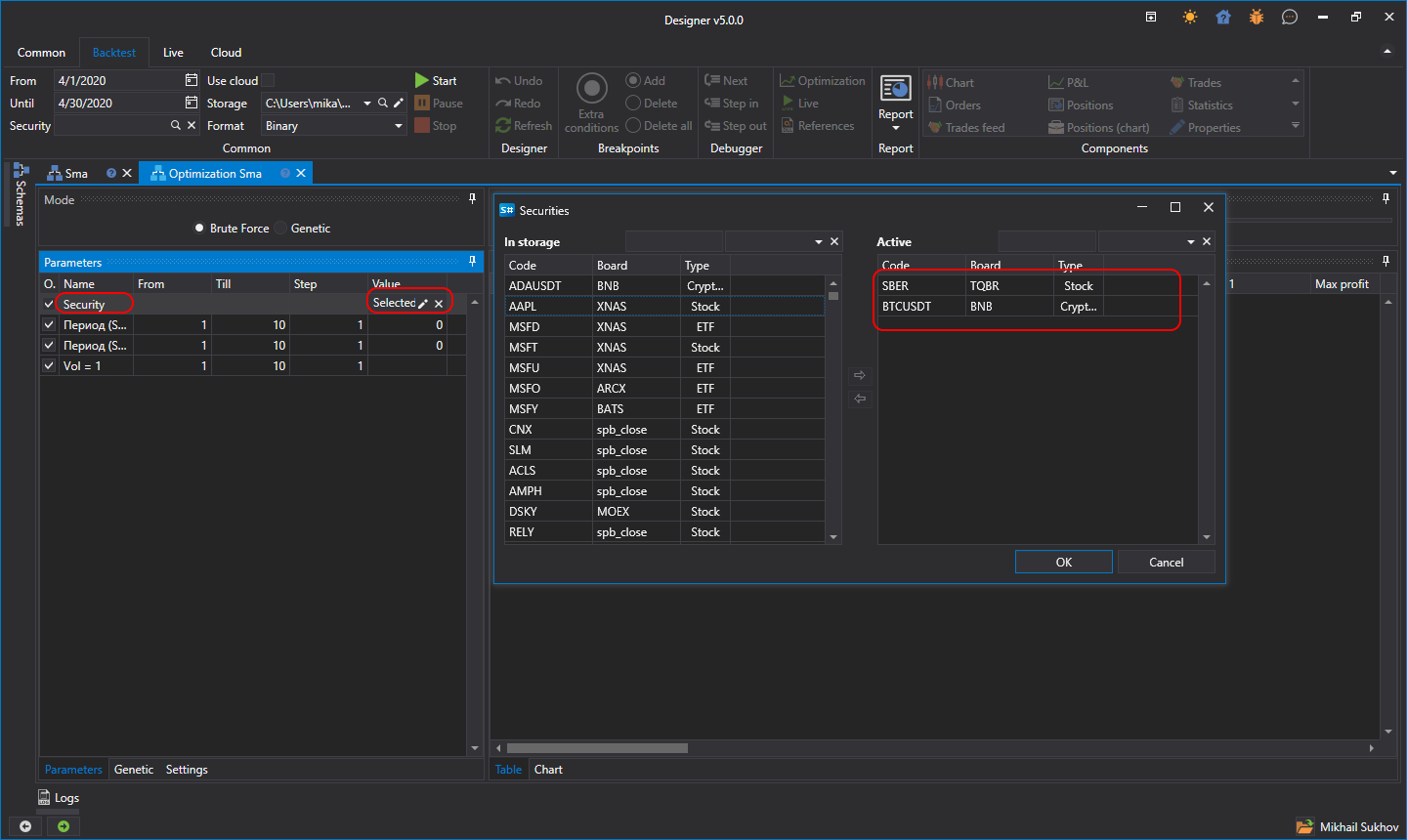
The Designer has the ability to test one strategy on various securities at the same time. To do that, click the Optimization button.

Designer Portfolio testing

In the optimization parameters, set the Security parameter, select from the list the securities for which you want to perform testing. In the Ribbon, set the testing period and the market-data storage. After clicking the Start button, the testing will start on all securities simultaneously.