このページはまだお使いの言語で利用できません。別の言語版を表示しています。
Conditional orders
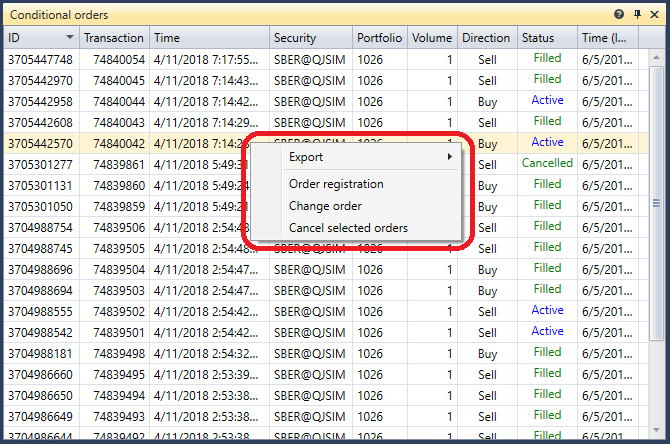
The Conditional orders component is a table with orders, which displays complete information about all conditional orders. When you right click the mouse button on the order, a panel appears with which you can register a new conditional order, cancel or change the selected conditional order.

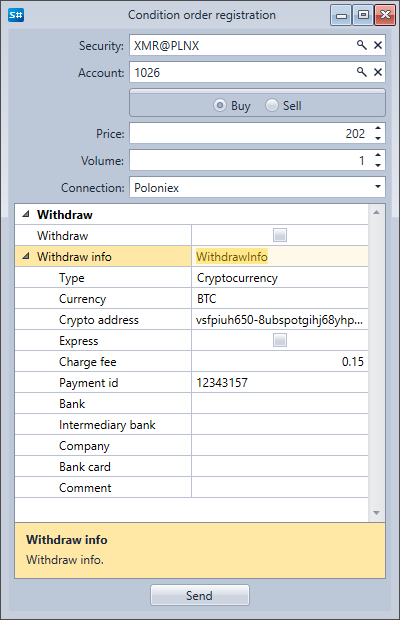
When you click the Order Registration button, a window appears. To register a new conditional order, you have to fill it out and click the Send button.

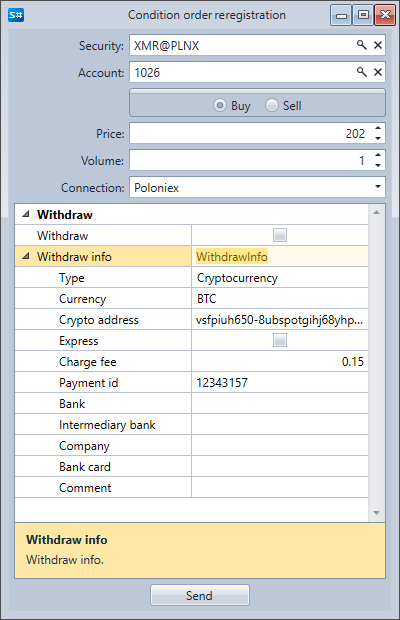
When you click the Change Order button, a window appears. To change the conditional order, you have to make the required changes and click the Send button.