
News as messages
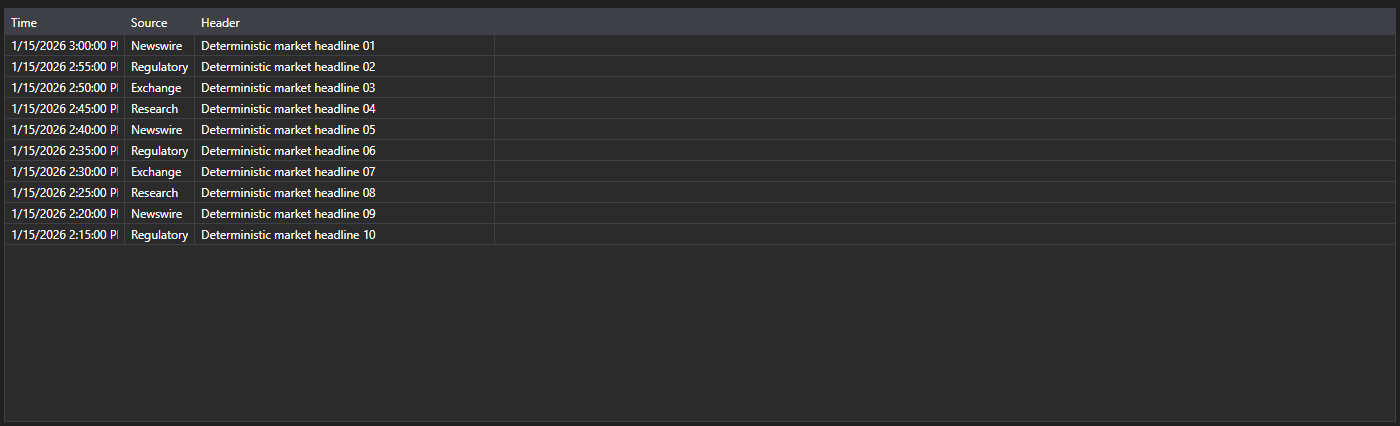
NewsMessageGrid - a news table that works with NewsMessage messages instead of business entities. It shows the time, source, identifier, headline and the link to the full story.
Main properties
- NewsMessageGrid.Messages - list of news messages.
- NewsMessageGrid.SelectedMessage - selected message.
- NewsMessageGrid.SelectedMessages - selected messages.
- NewsMessageGrid.MaxCount - maximum number of rows in the table; the oldest rows are removed once it is exceeded.
- NewsMessageGrid.SubscriptionProvider - subscription provider the table asks for the full news story.
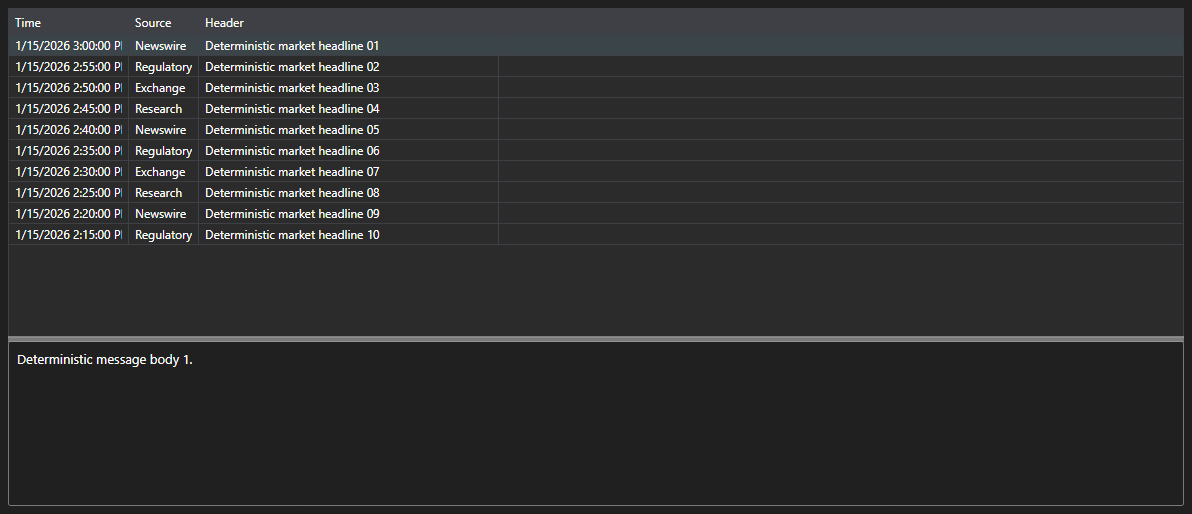
The ready made pair of the table and the story text is NewsMessagePanel. It hosts NewsMessageGrid and NewsStoryPanel: when a row is selected the panel requests the story from the subscription provider and shows it at the bottom.
Below are code snippets showing its usage:
<Window x:Class="Sample.NewsWindow"
	xmlns="http://schemas.microsoft.com/winfx/2006/xaml/presentation"
	xmlns:x="http://schemas.microsoft.com/winfx/2006/xaml"
	xmlns:xaml="http://schemas.stocksharp.com/xaml"
	Height="400" Width="900">
	<xaml:NewsMessagePanel x:Name="NewsPanel" />
</Window>
// Set the subscription provider - the news story is requested through it
NewsPanel.SubscriptionProvider = _connector;

// Add incoming news to the table on the user interface thread
_connector.NewsReceived += (subscription, news) =>
	this.GuiAsync(() => NewsPanel.NewsGrid.Messages.Add(news.ToMessage()));

// Create the news subscription
_connector.Subscribe(new Subscription(DataType.News));