
My products
The My products page is opened with the tab of the same name at the top of the Installer window and is available after signing in to the account.
The page is needed by those who publish products in the store themselves — robots, indicators, connectors. A buyer does not need it: installing and updating are described in the Install and remove apps and Update apps sections.
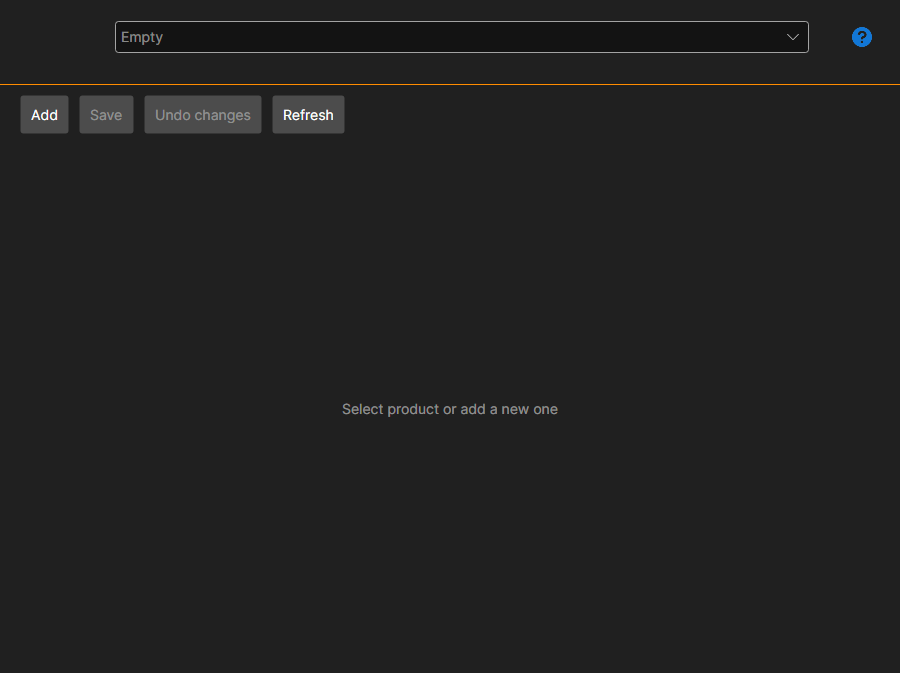
Product card
The product is selected in the list at the top; the Add button creates a new one.
- Name and Description — what the buyer will see in the store.
- Nuget package id — the name under which the package goes to NuGet. Next to it, the full form of the name is shown.
- Content type and Area — what kind of product it is and where it is used.
- Categories — the store sections in which the product will be visible.
- Documentation link and Source code link — optional.
- Icon — selected with a button; the same icon is shown in the buyer's Installer list.
Price
It is set separately: one-time (Lifetime), Per month and Annual, plus the renewal price. An empty price means that this way of buying is not available.
Access
The list of users sets who sees the product besides the store: find a user with the search and add them. This way access is given, for example, within a team.
Saving and publishing
Save writes the changes, Undo changes returns to the last saved state, Refresh reads the list from the server again.
Publish sends the product for review. Until it passes, the page shows that the product has not been approved yet, and the list of errors at the bottom lists what needs to be filled in or corrected — while it is not empty, publishing does not go through.