Strategy Gallery
The Strategy Gallery provides the opportunity to download ready-made trading strategies to your computer. You can open the Strategy Gallery by clicking on the Strategy Gallery button in the Common tab.
Strategy cards appear as the catalog is read from the website, and while it is being read, the panel shows the Loading gallery strategies... label. If the catalog cannot be read, the panel shows the reason and the Refresh button, which repeats the loading.
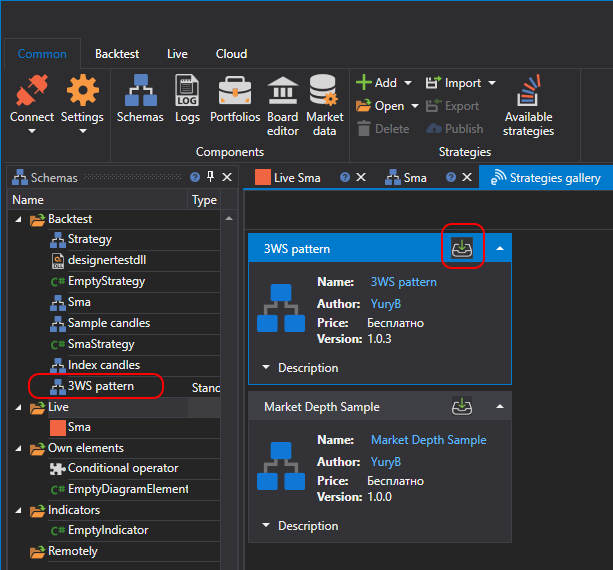
To download a strategy to your computer, you need to:
select the strategy of interest and click the Download button:
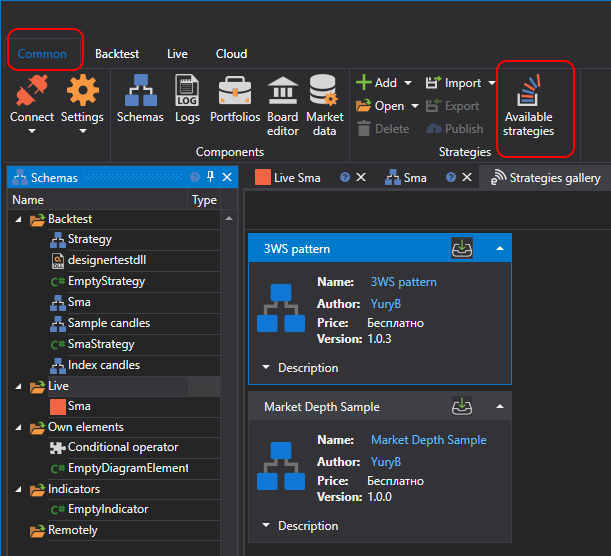
the strategy will be added to the strategy tree in the Backtest section: