Velas personalizadas
El usuario puede seleccionar un tipo personalizado de velas y elegir de forma independiente qué velas se construirán; las velas se construirán "sobre la marcha", es decir, inmediatamente.
Consideremos un ejemplo de esta construcción. La bolsa Bitmex no proporciona la posibilidad de recibir velas con un marco temporal de 10 minutos.
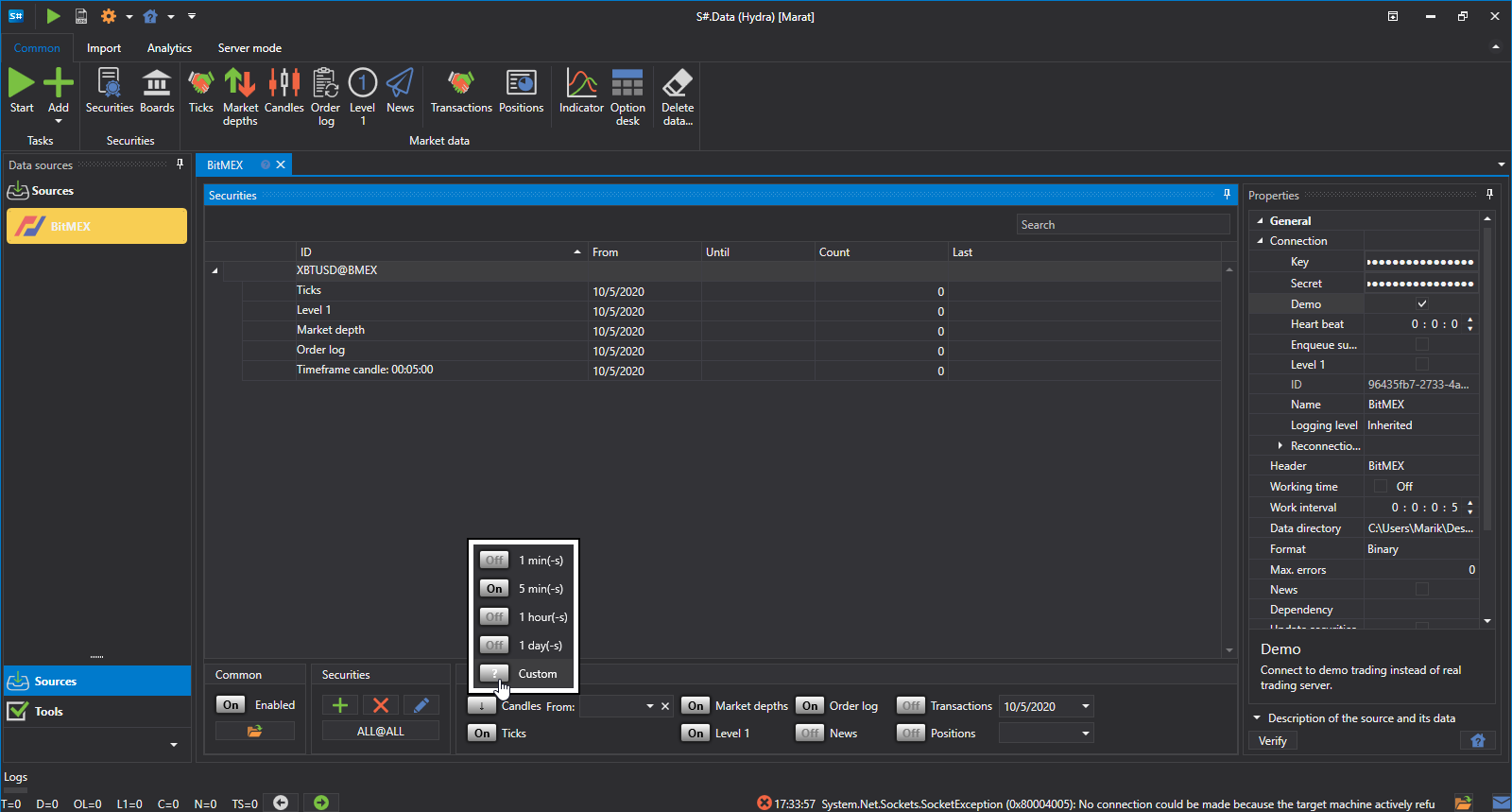
Secuencia para obtener dichas velas:
- Seleccione velas personalizadas.
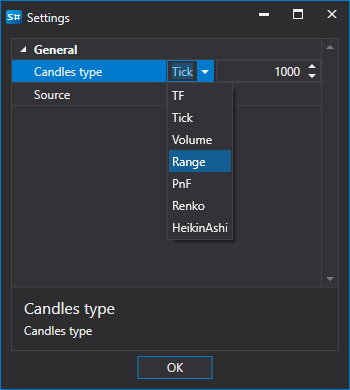
- En la configuración, especifique velas TF y un período de 10 minutos.
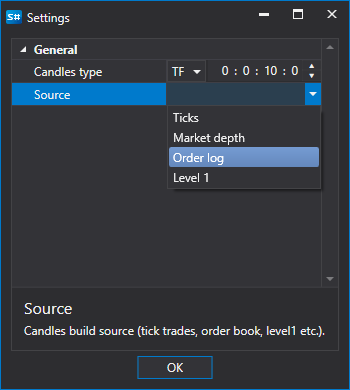
- En la fuente, especifique a partir de qué se construirán las velas: Registro de órdenes
- Establezca el período. Como puede ver, junto al nombre de la vela apareció la indicación Generadas.
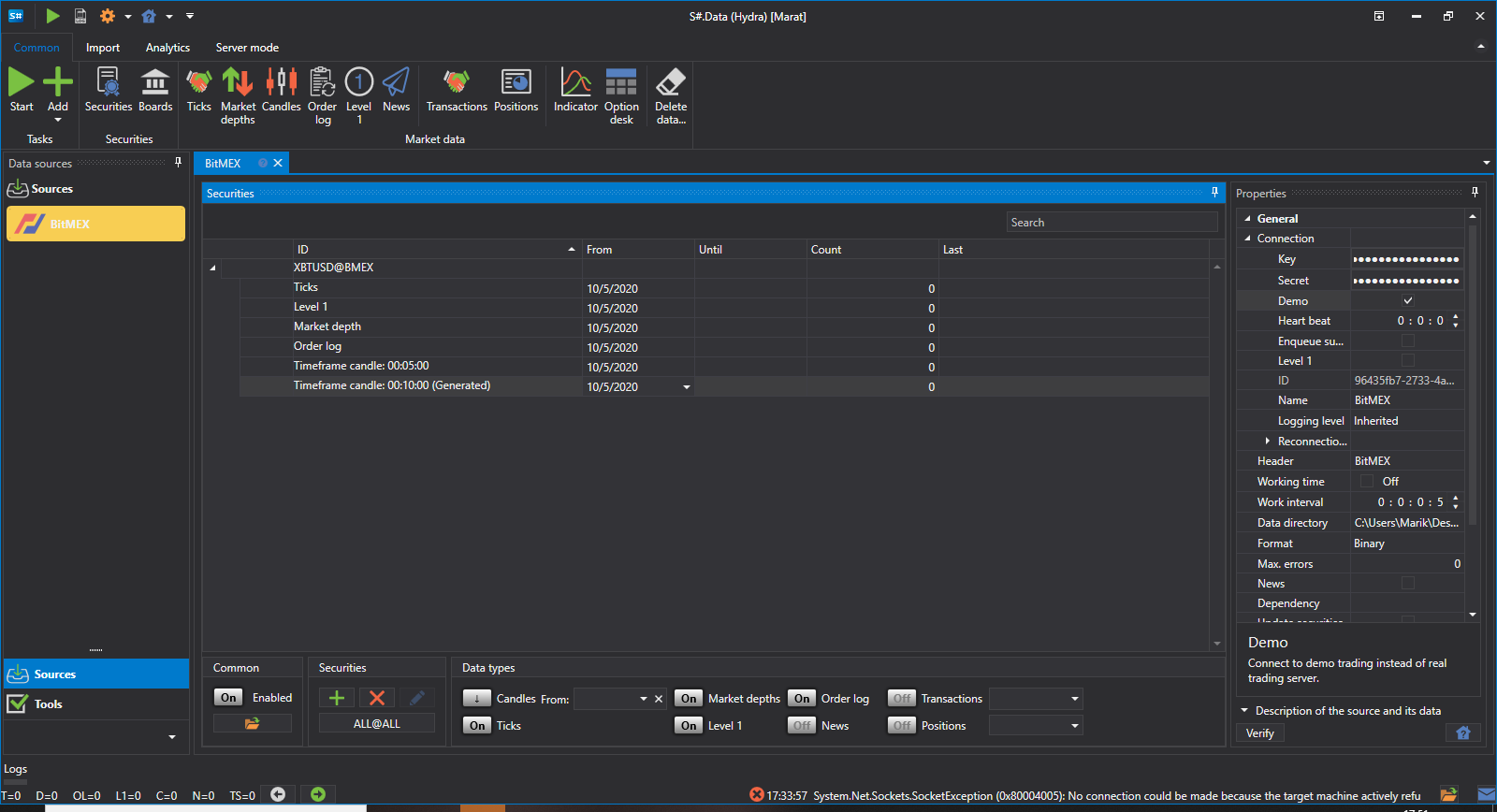
- Haga clic en Iniciar y los datos empezarán a descargarse.
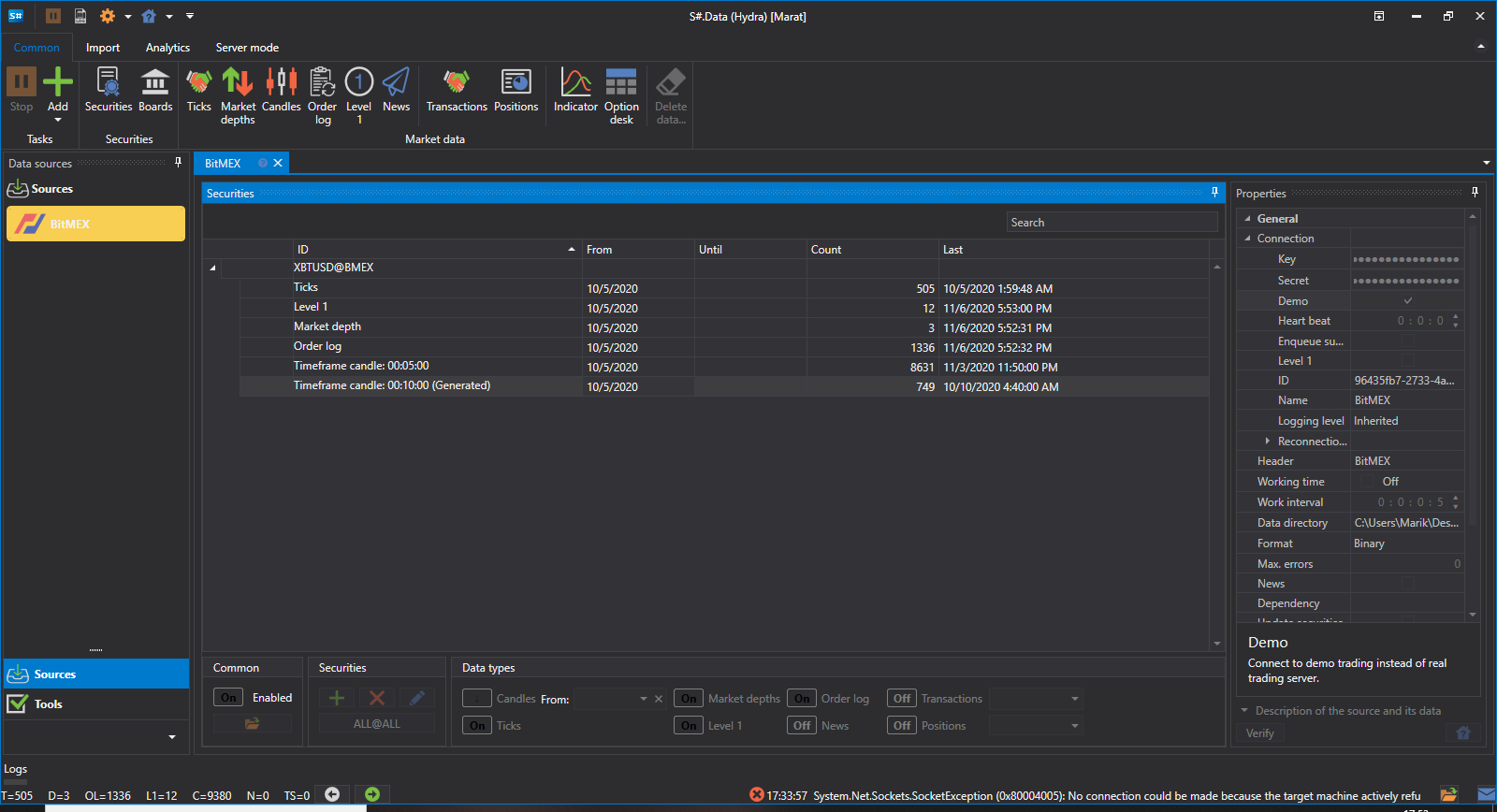
- Vaya a la sección de velas y vea los datos descargados.
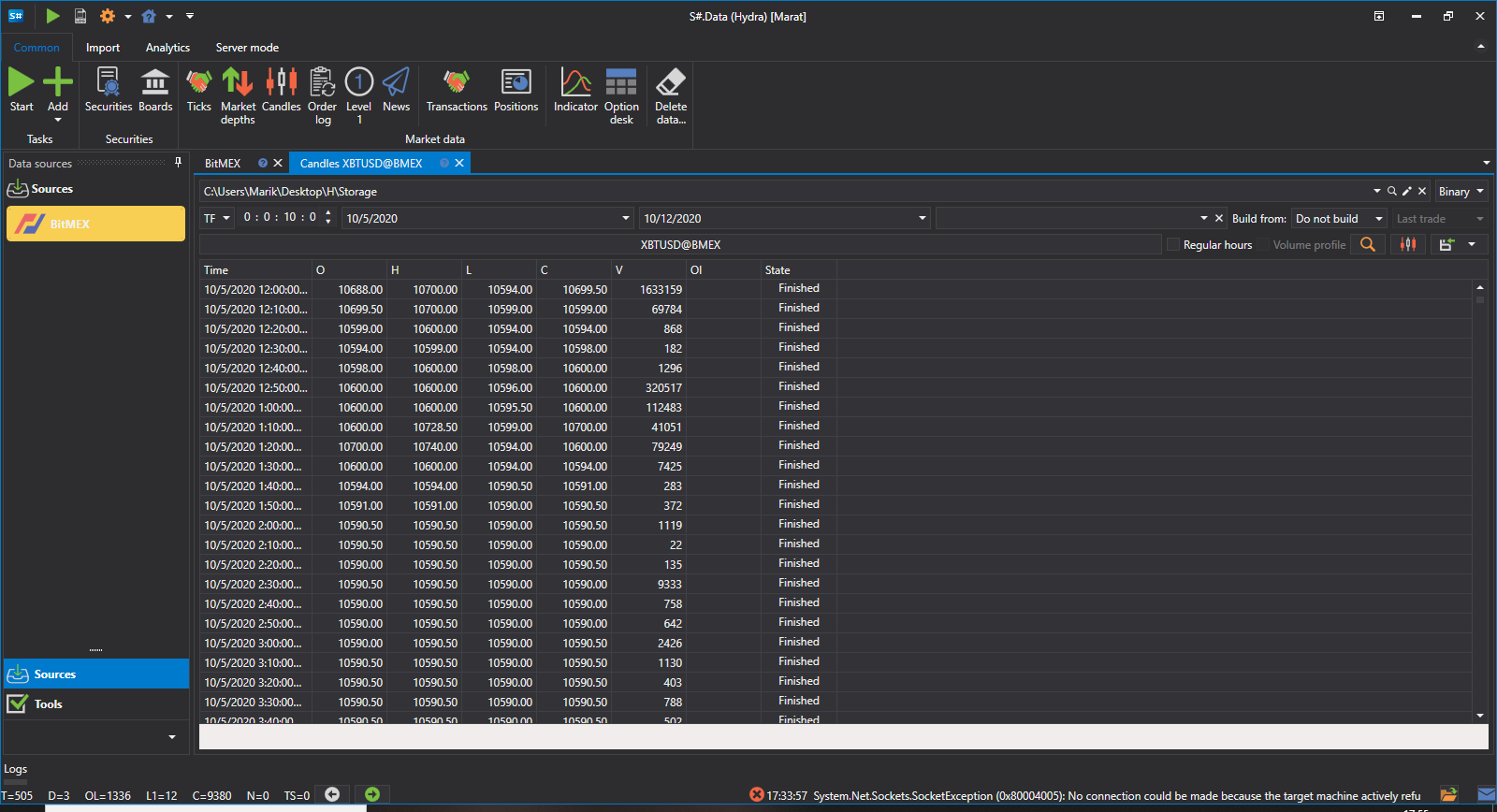
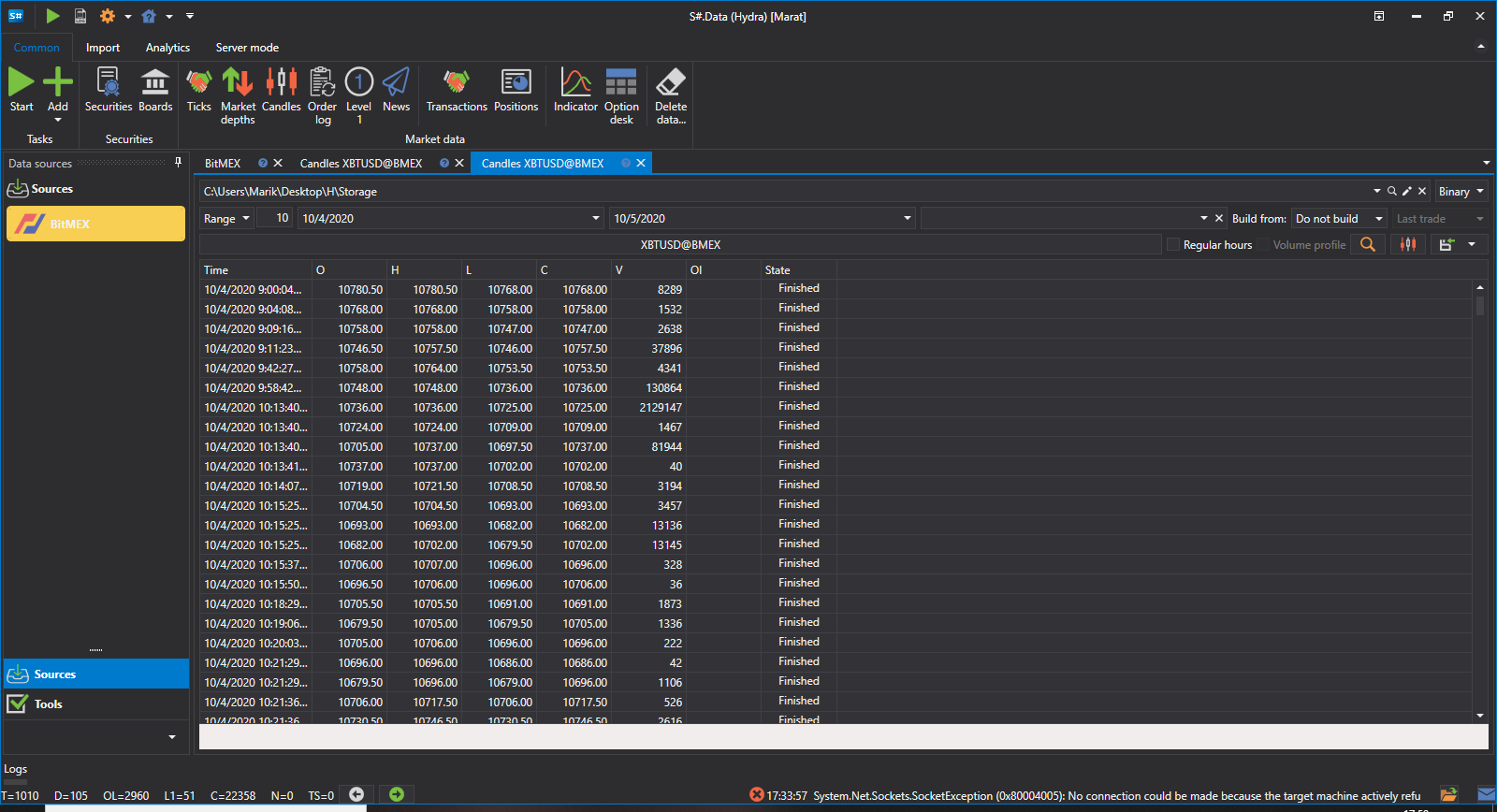
Como puede ver, los datos se han recibido correctamente.
Consideremos un ejemplo en el que necesitamos obtener un RangeCandleMessage:
- Seleccione velas personalizadas.
- En la configuración, especifique velas Range y el volumen 10.
- En la fuente, especifique a partir de qué se construirán las velas: Ticks.
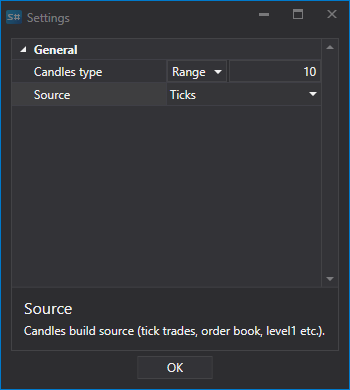
- Establezca el período.
- Haga clic en Iniciar y los datos empezarán a descargarse.
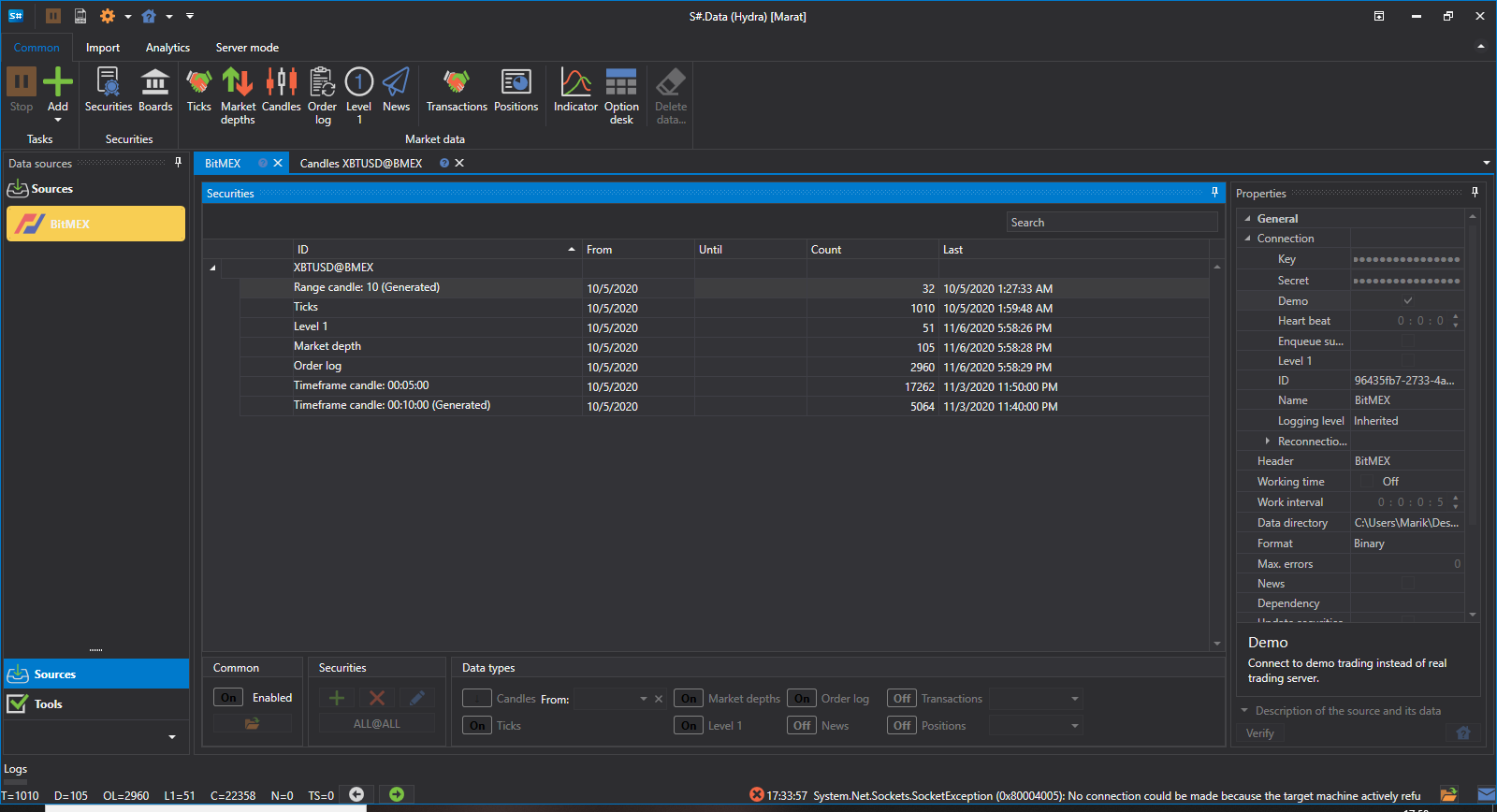
- Vaya a la sección de velas y vea los datos descargados.